 Meteopolis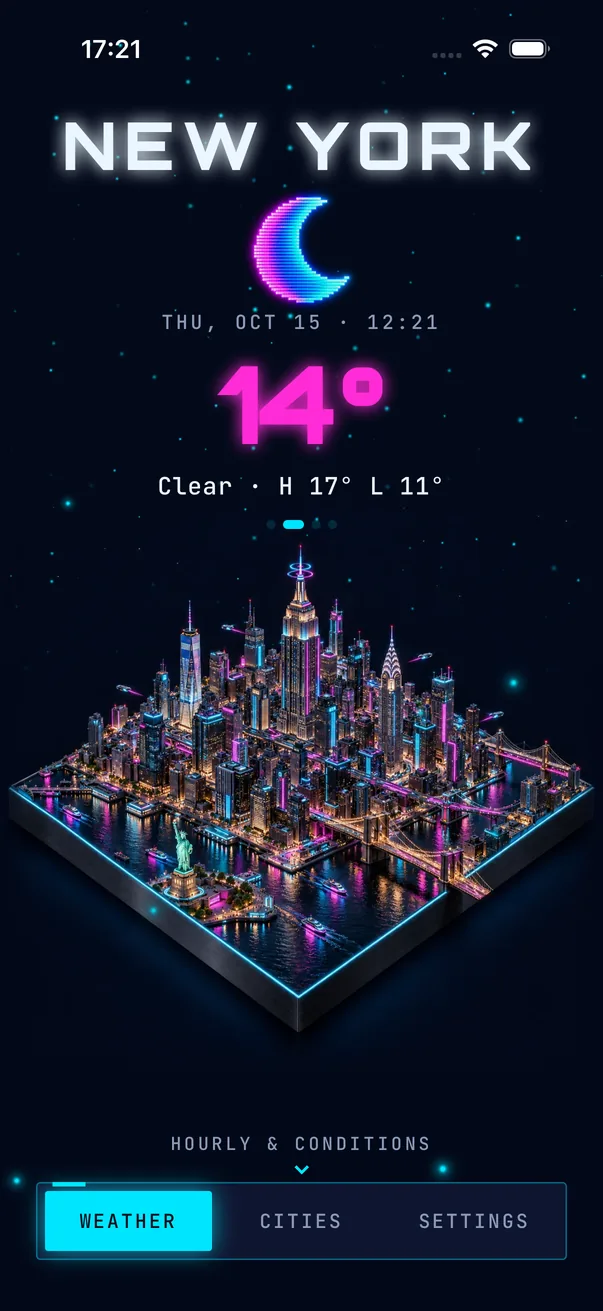
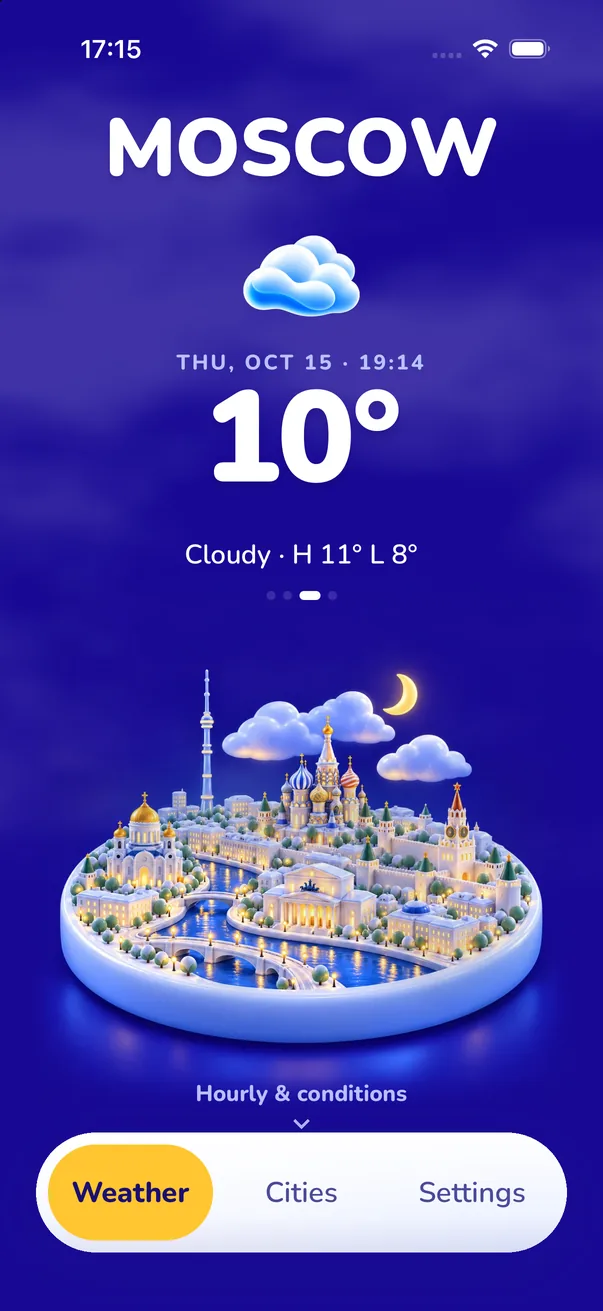
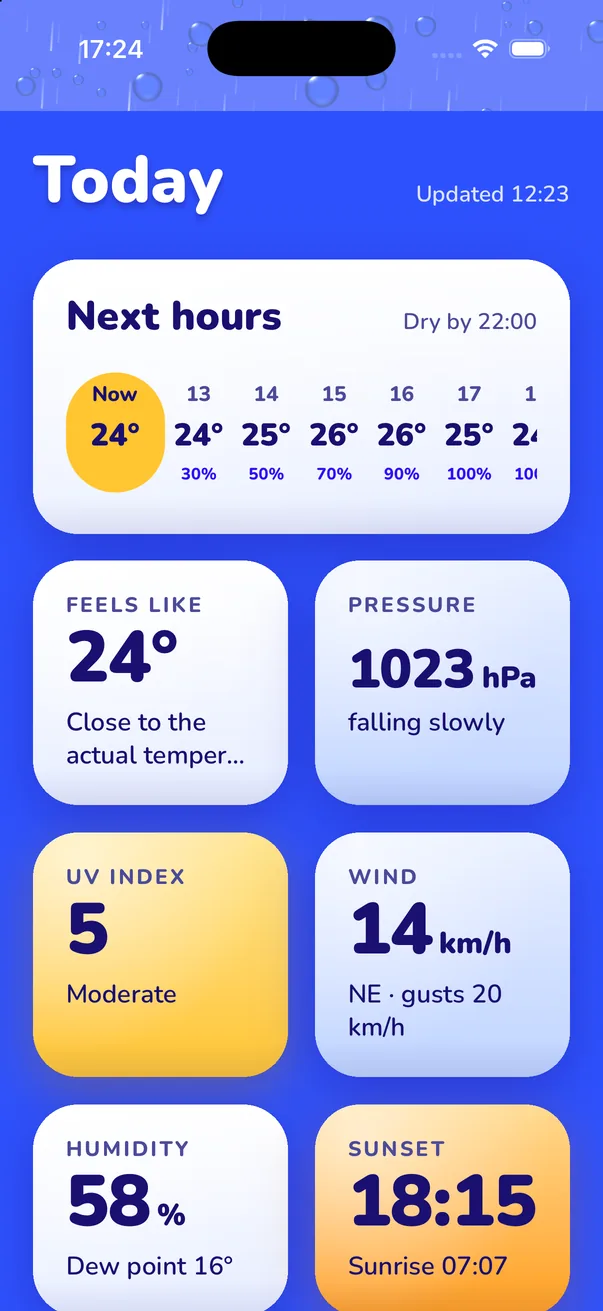
A beautiful weather app should have a coherent visual style, good type, widgets that match it, and an accurate forecast underneath. Meteopolis is built around your own city drawn as a living miniature in 45 art styles, with Apple WeatherKit data, home and Lock Screen widgets and severe alerts.
The checklist
| Question | Why it matters | Meteopolis |
|---|---|---|
| Does it have one clear visual idea? | Apps that try to do everything end up looking like dashboards | Your city as a miniature, under its weather |
| Can you make it yours? | Your taste isn't everyone's | 45 styles; each restyles the whole app |
| Do the widgets match? | You'll see the widget more than the app | Home and Lock Screen widgets follow your style |
| Is the data good? | Pretty and wrong is worse than ugly and right | Apple WeatherKit |
| Does it warn you? | Severe weather is when you need it most | Tiered alerts + Live Activity |
| Does it move? | Motion makes it feel alive | Animated rain, snow, fog, lightning |
| Fair price? | Try before you pay | Free with 4 styles; one-time style purchases available |
Three kinds of beautiful weather apps
1. Minimal
Clean type, lots of space, one number. Calm, but it all looks the same after a week.
2. Personality
Apps with a character, jokes or a mascot. Fun if the humor suits you.
3. Scene-based
Apps where the weather is shown as a picture that changes. Meteopolis is one of these, and the scene is your own city in the style you choose.
Try it in two minutes
- Download Meteopolis (free).
- Swipe the style gallery with your own city in it.
- Add the widget and live with it for a week.
Quick answers
What is the most beautiful weather app for iPhone?
It depends on your taste. Meteopolis lets you choose: your city as a 3D miniature in 45 art styles, with matching widgets and an Apple WeatherKit forecast.
Are beautiful weather apps accurate?
They can be. Meteopolis uses Apple WeatherKit, the same data as Apple's Weather app.
Try Meteopolis free
Your city as a living miniature, in 45 styles. Free to download for iPhone and iPad.