 Meteopolis
Weather app guides
Aesthetic widgets, Lock Screen weather, severe alerts, wallpapers and styles: how to make the weather on your iPhone useful and beautiful.
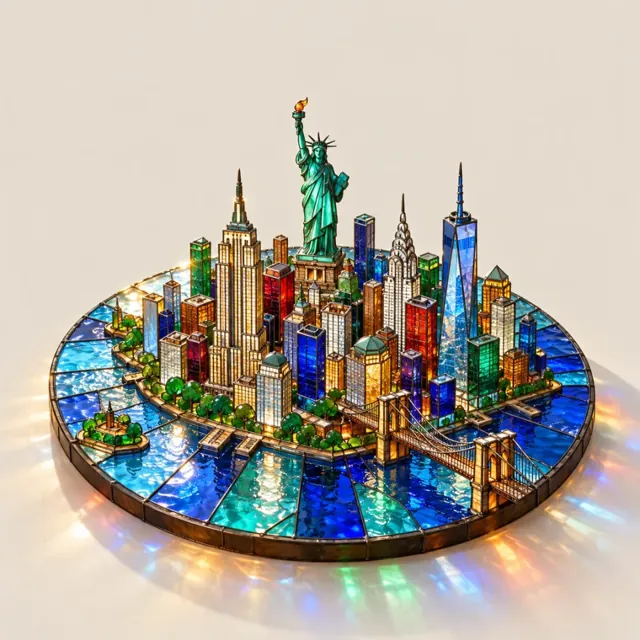
The aesthetic weather app for iPhone
What makes a weather app beautiful, and how to set one up that matches your home screen.

How to add an aesthetic weather widget on iPhone
Add a weather widget that matches your home screen, in small, medium or large.
How to put a weather widget on your iPhone Lock Screen
Circular, rectangular or inline: add the weather to your Lock Screen and fix a stuck one.

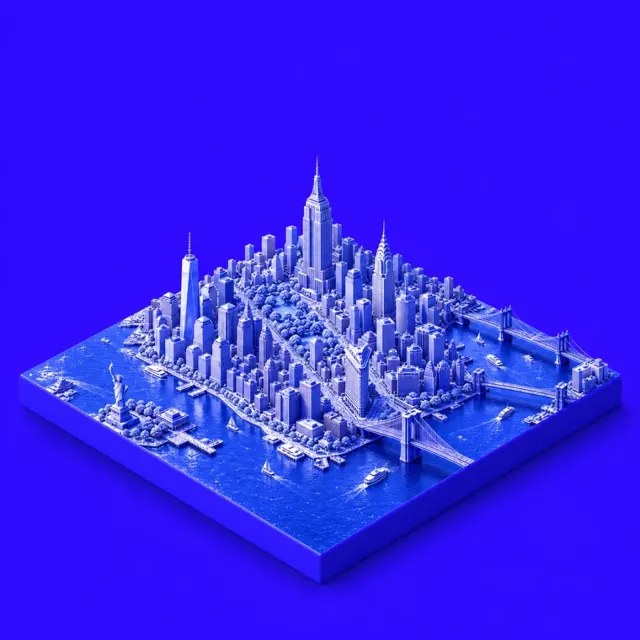
A 3D weather app that shows your own city
Your own city as a 3D miniature that changes with the real sky.
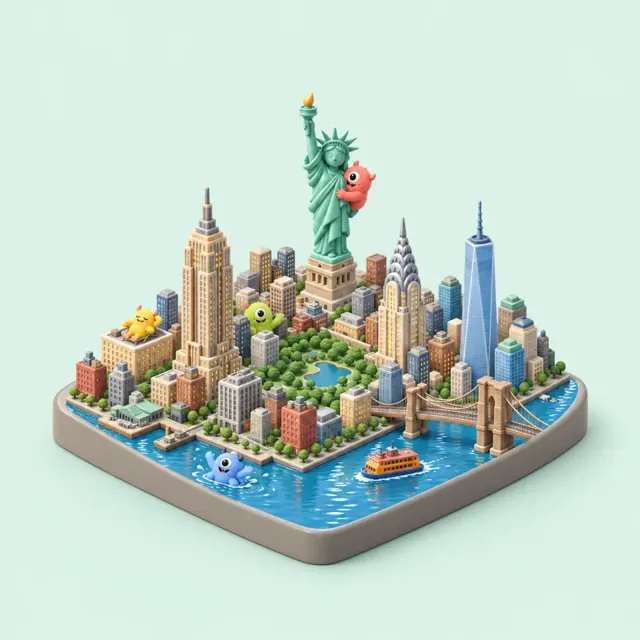
A cute weather app for cozy forecasts
Cartoon, Clay, Crochet, Felt, Critters: the coziest ways to see the forecast.
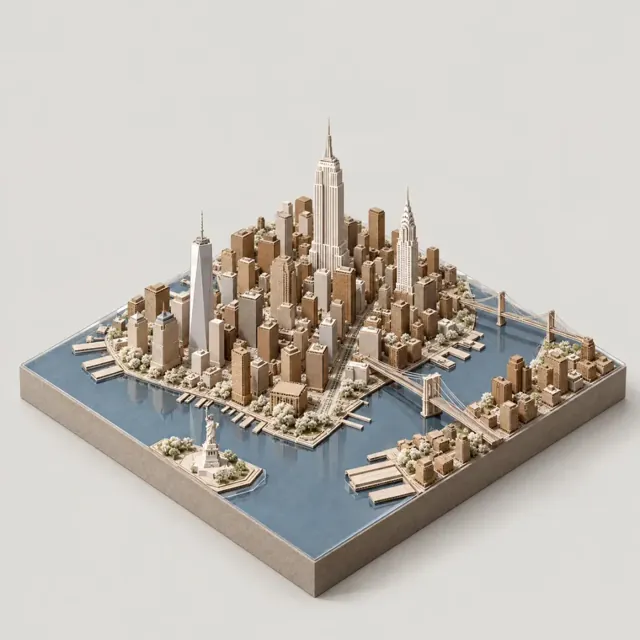
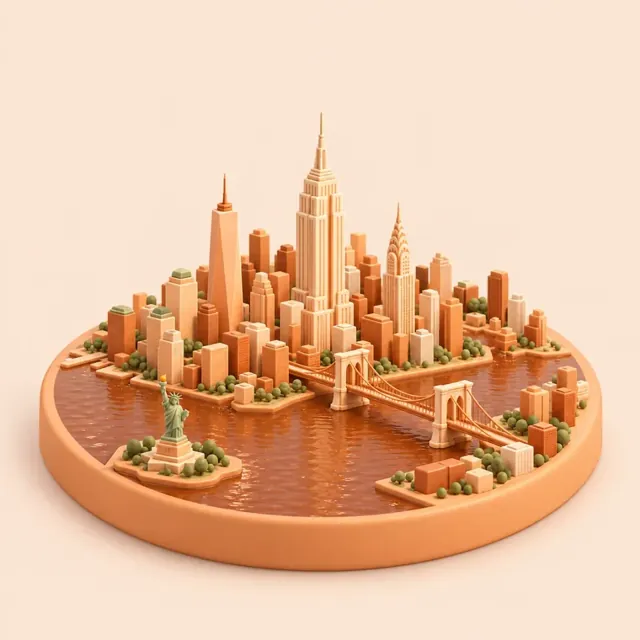
Your city as an isometric miniature, under real weather
Tiny isometric cities with real landmarks, painted for anywhere in the world.
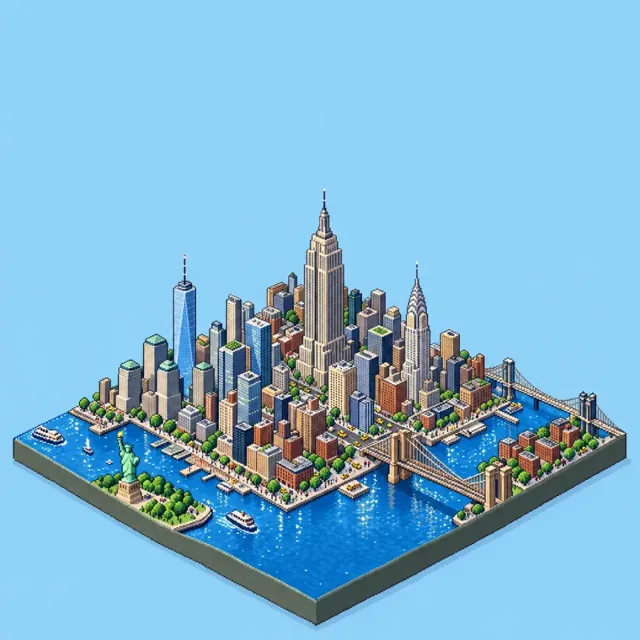
A pixel art weather app for iPhone
Your city as an isometric pixel-art level, with pixel fonts and icons. Free.
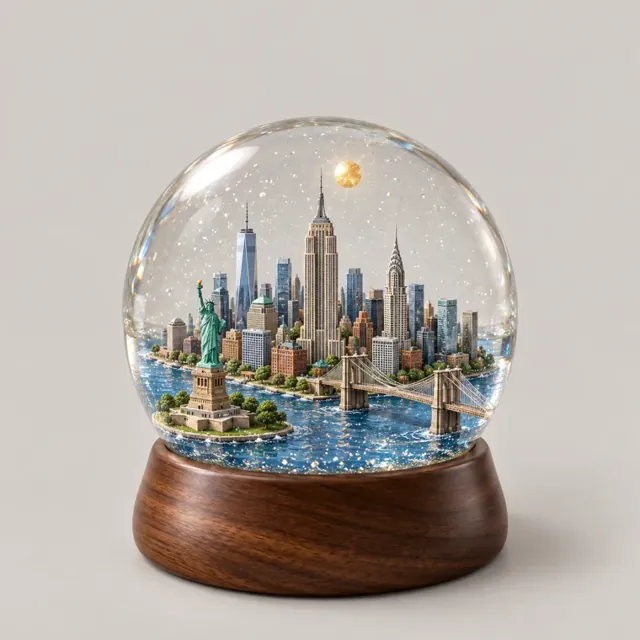
An animated weather app where the weather moves
Rain, snow, fog and lightning animated over your city, with ambient sound.
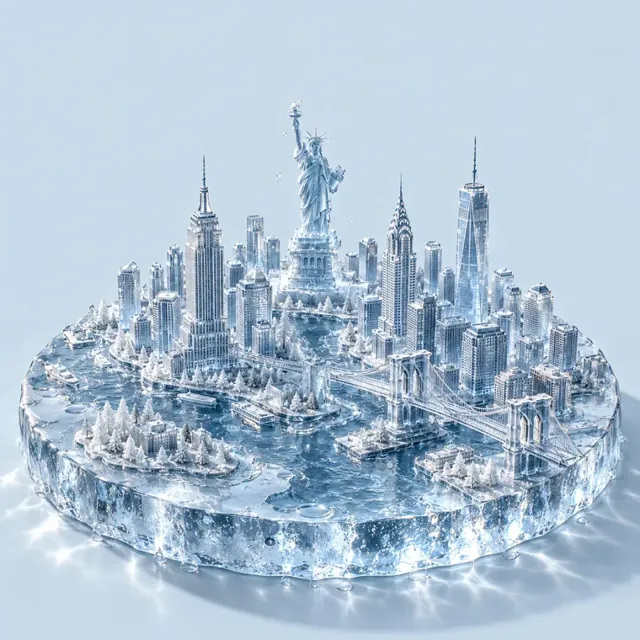
Weather on the Dynamic Island
Severe weather warnings that stay in the Dynamic Island and on the Lock Screen.
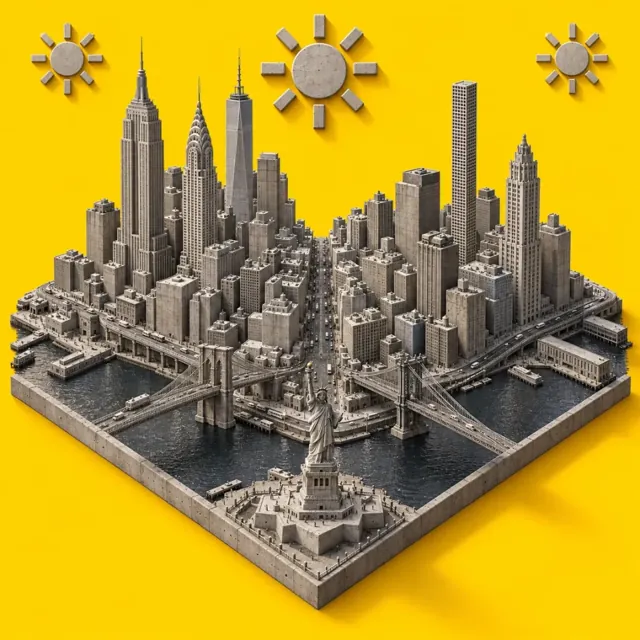
How to get severe weather alerts on iPhone
Make sure storm and heat warnings reach you, for every city you follow.
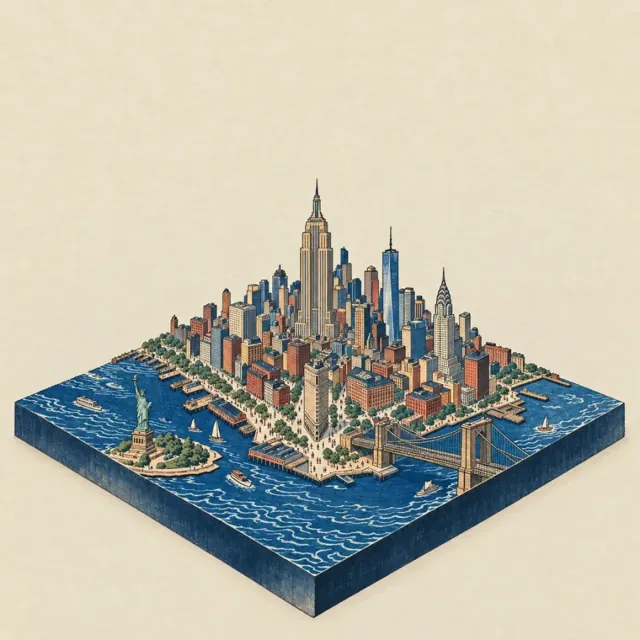
Make a weather wallpaper of your city for iPhone
Turn your city's sky into a 9:16 wallpaper in any style, in a few taps.
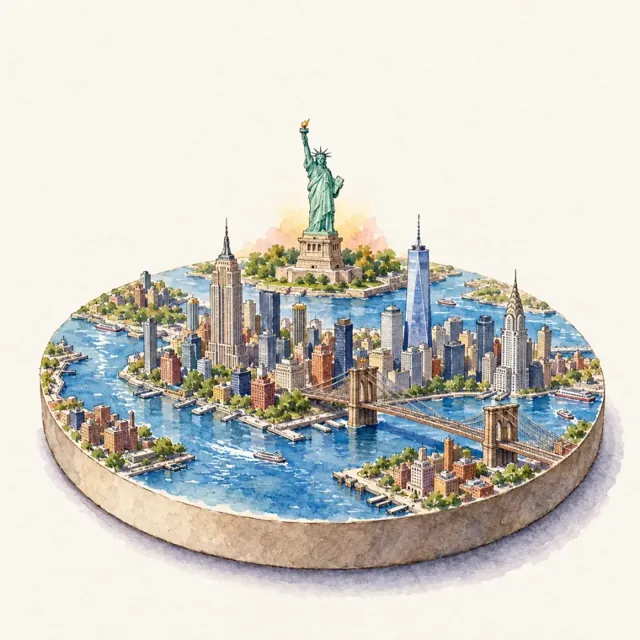
How to choose a beautiful weather app for iPhone
A checklist for picking a weather app you'll enjoy opening every day.
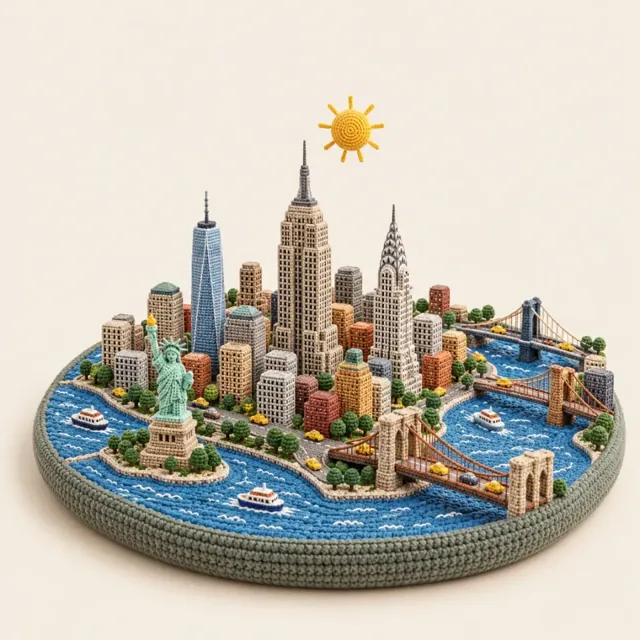
A (Not Boring) Weather or CARROT alternative built around your city
How Meteopolis compares with (Not Boring) Weather and CARROT, honestly.
How to share the weather on your Instagram Story
Post a story-sized poster of your city's sky instead of a screenshot.