 Meteopolis
01
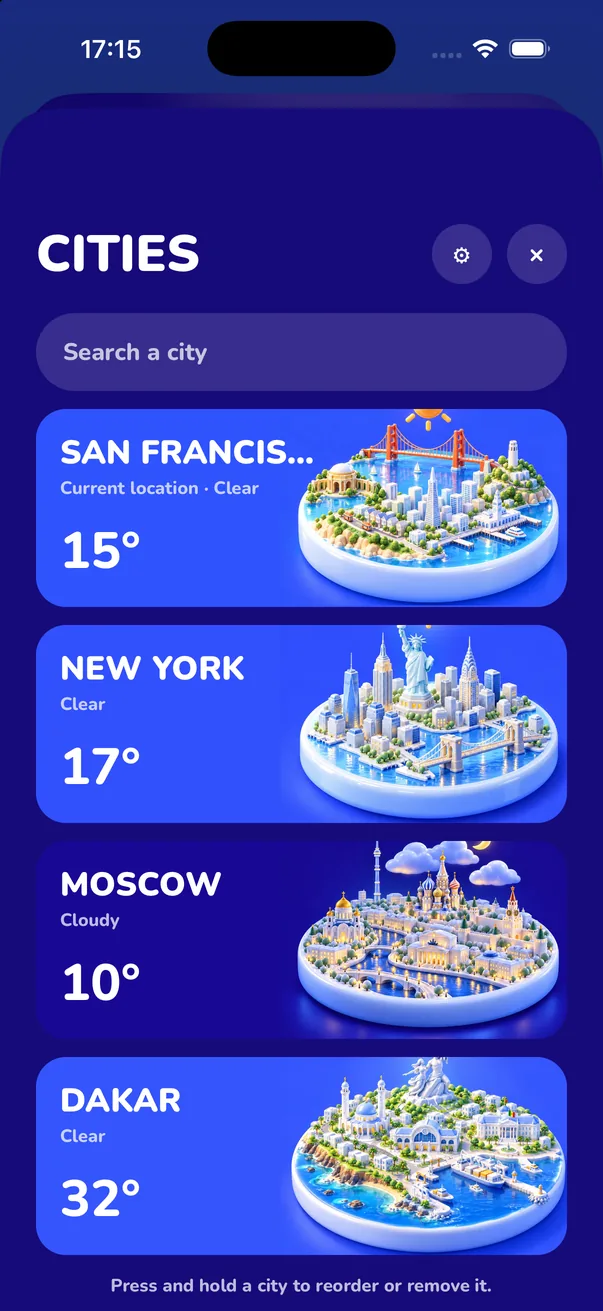
Pick your city
Allow location or search any city in the world. Save the places you care about and swipe between them.
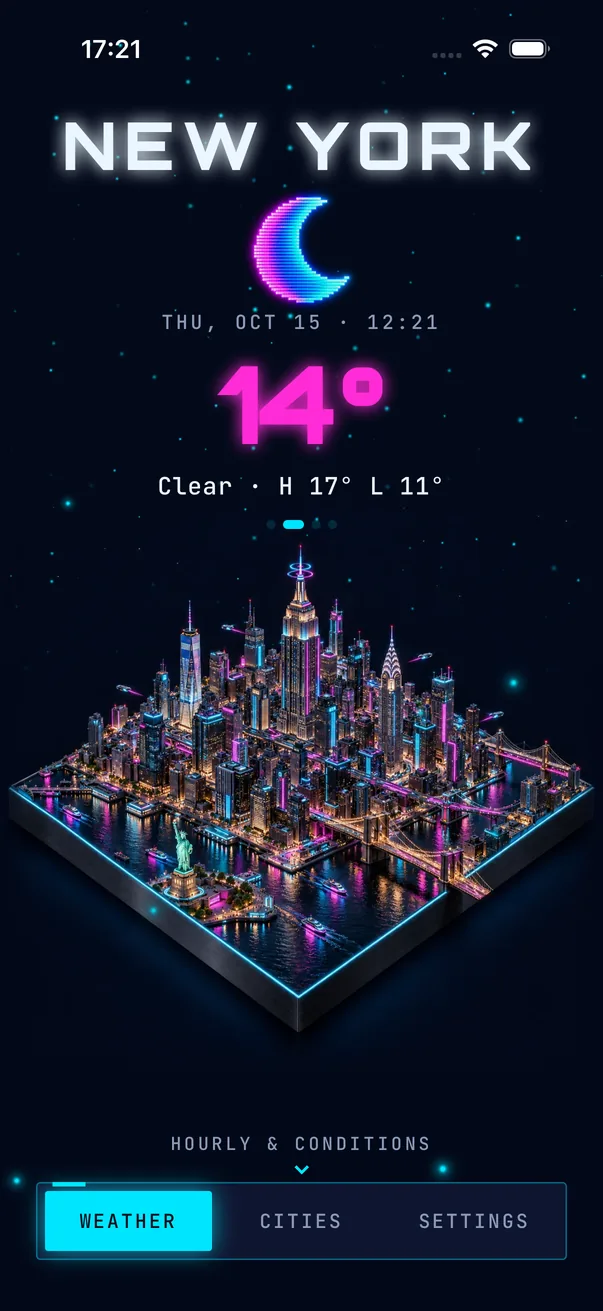
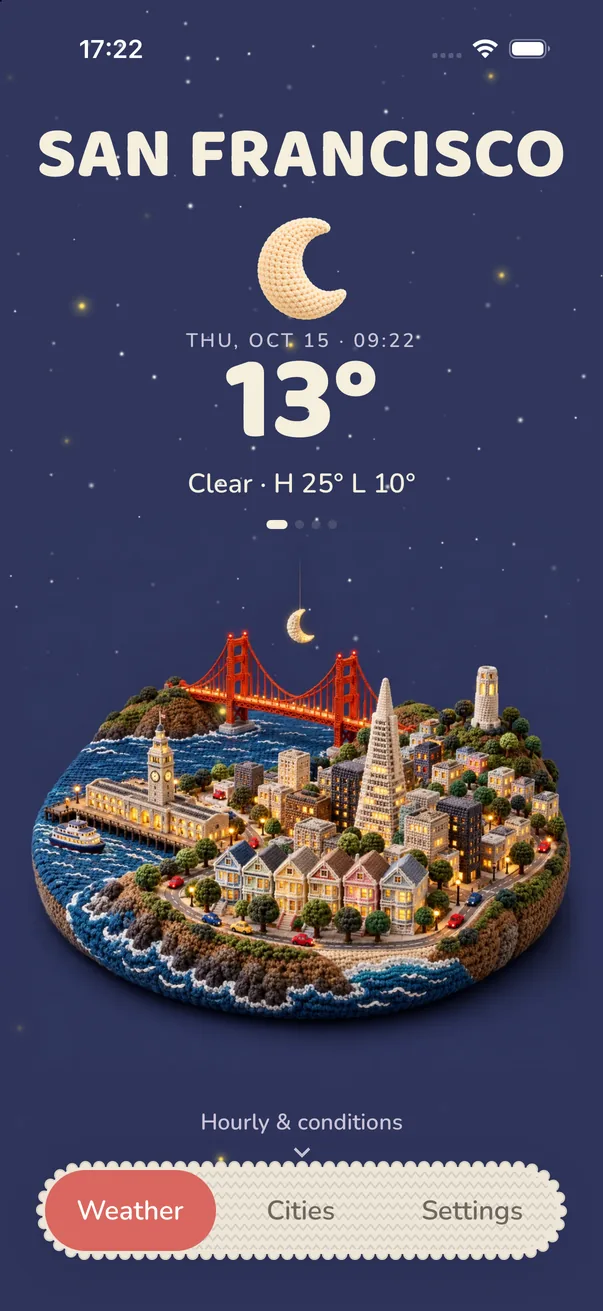
Meteopolis turns the forecast into a 3D miniature of the place you live, under its real sky. Rain on the river, snow on the skyline, storms rolling in at night. Choose from 45 art styles and the whole app changes with it.
Sun on the rooftops, long shadows over the water. Every scene is lit for the hour, from first light to the glow of a city at night.
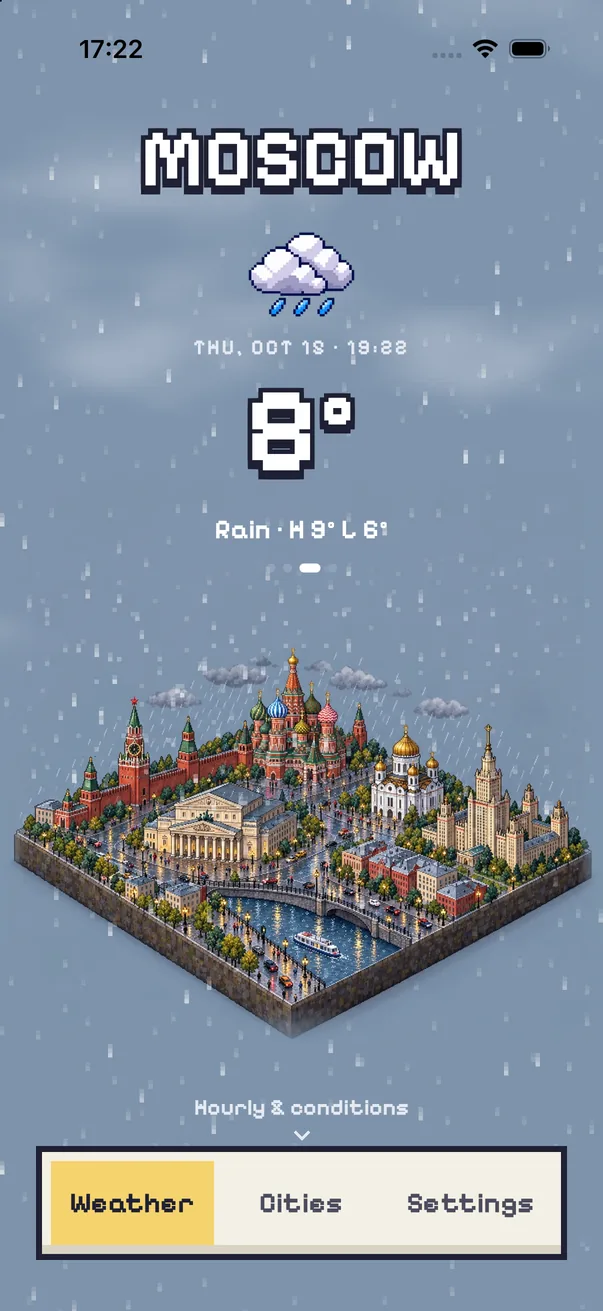
Rain streaks across the scene and the streets go grey and wet. It's animated on your phone, with an optional soft rain sound.
Snow settles on the skyline and keeps falling over it. Glance at your phone and you know it's a boots day.
Clouds pile up, lightning flashes, and if the storm turns severe, Meteopolis sends an alert that stays on your Lock Screen.
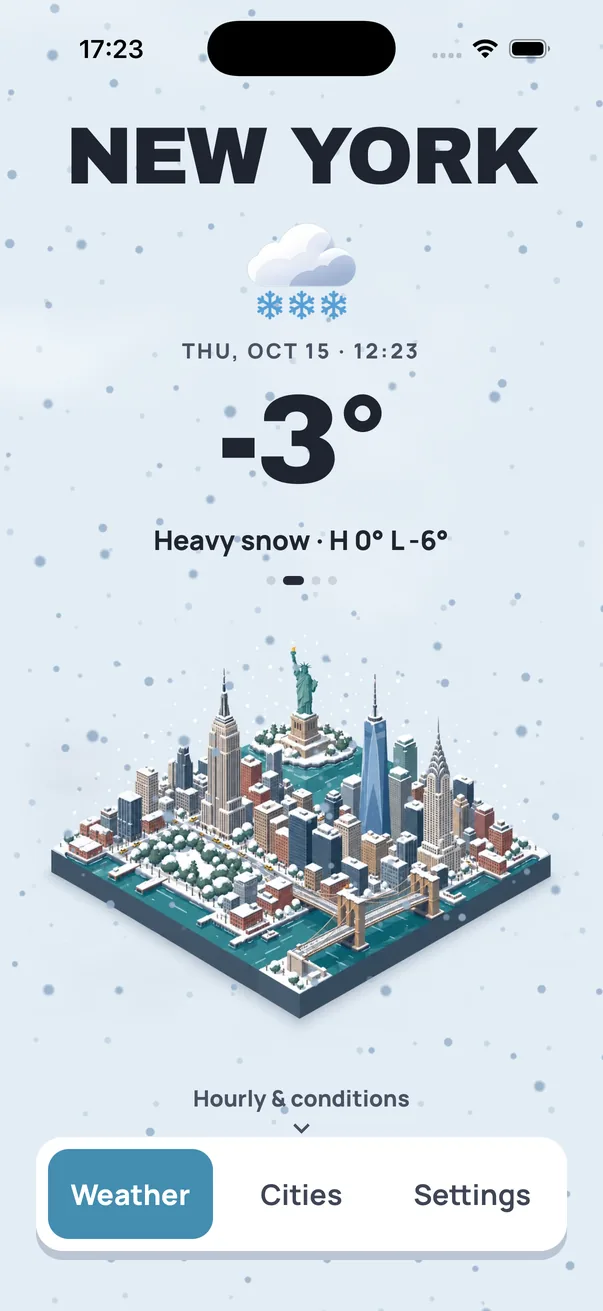
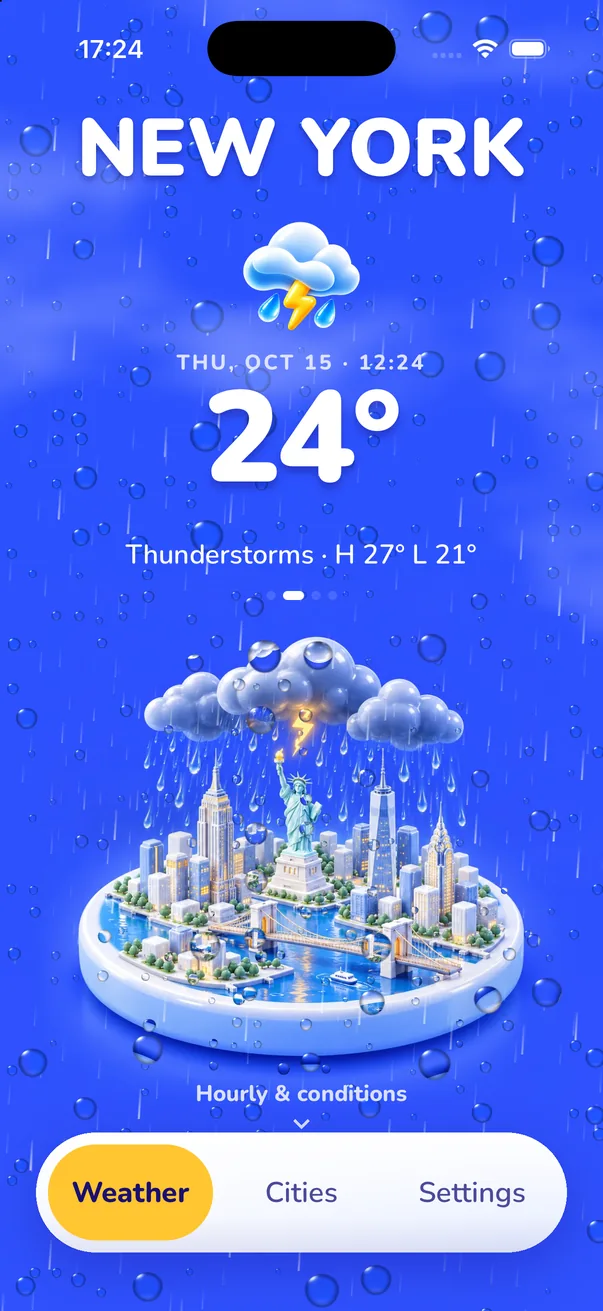
Free, with four styles, the full forecast, widgets and alerts. Unlock more when you find the one you love.


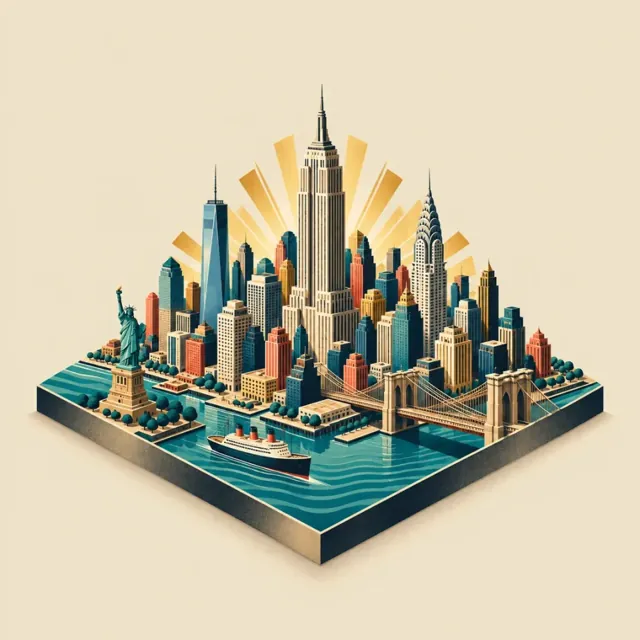
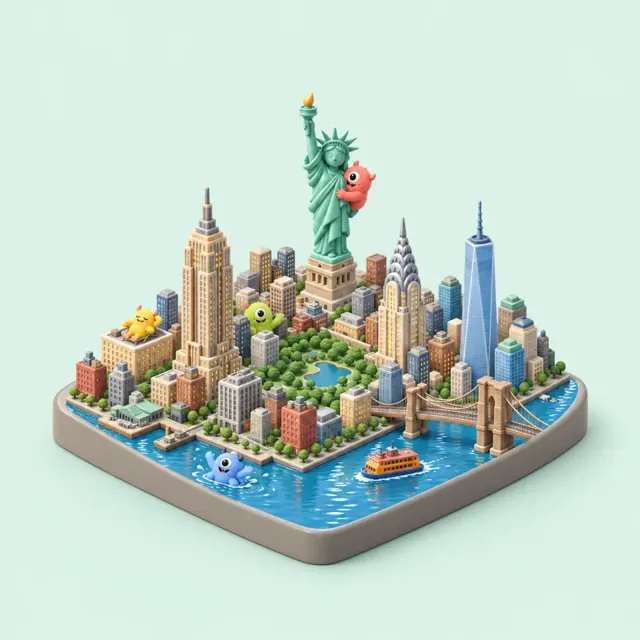
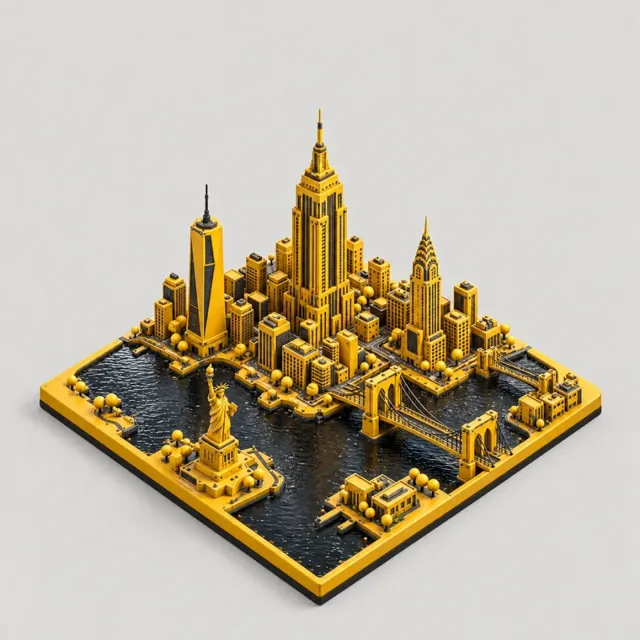
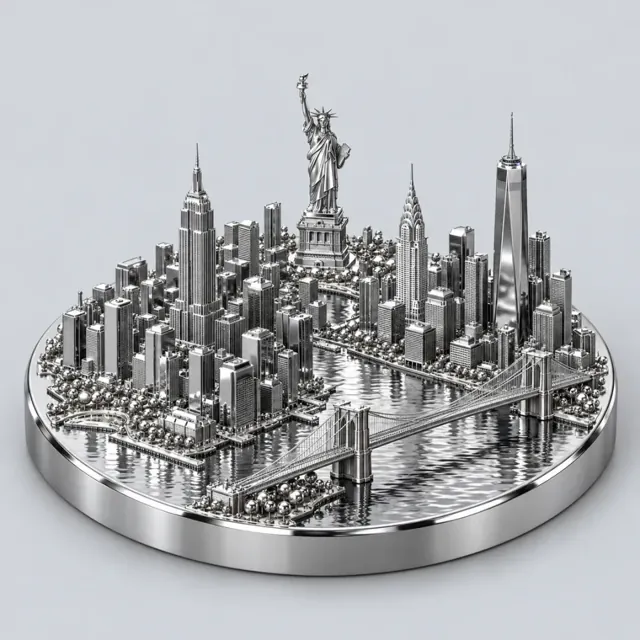
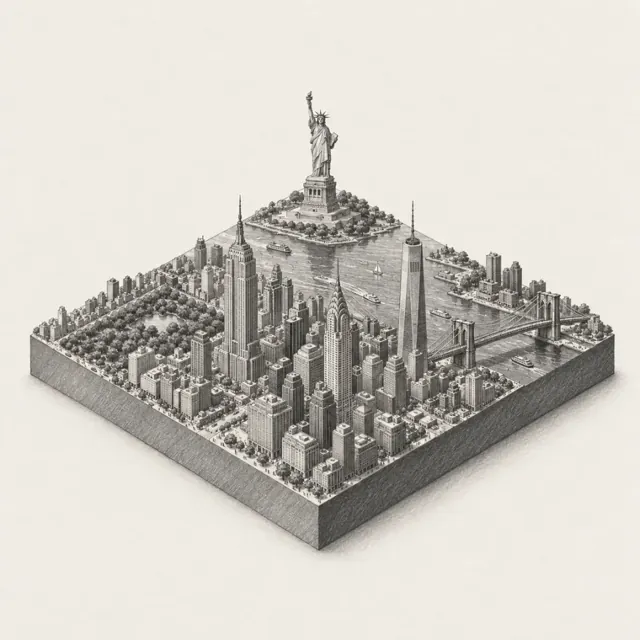
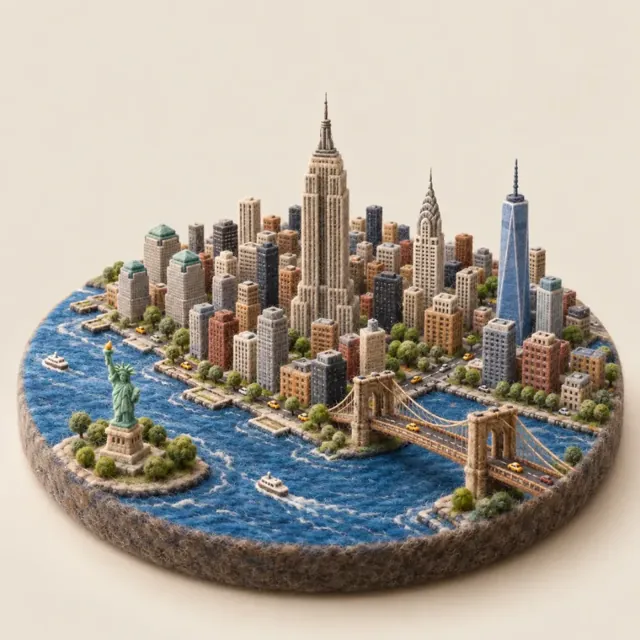
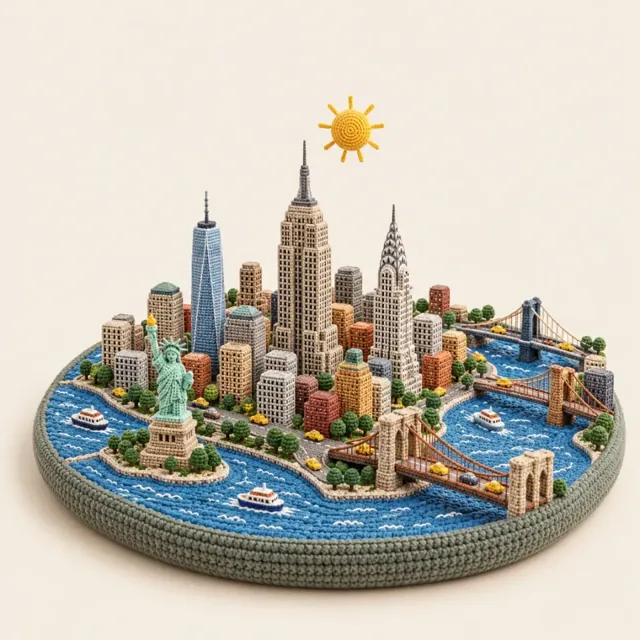
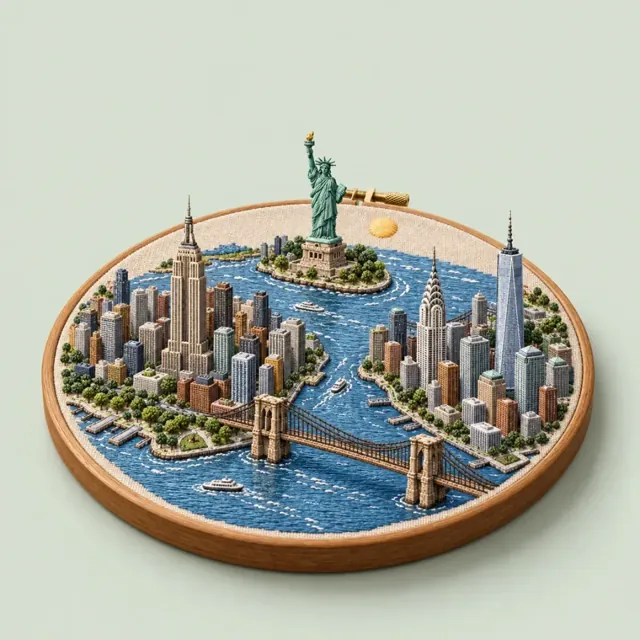
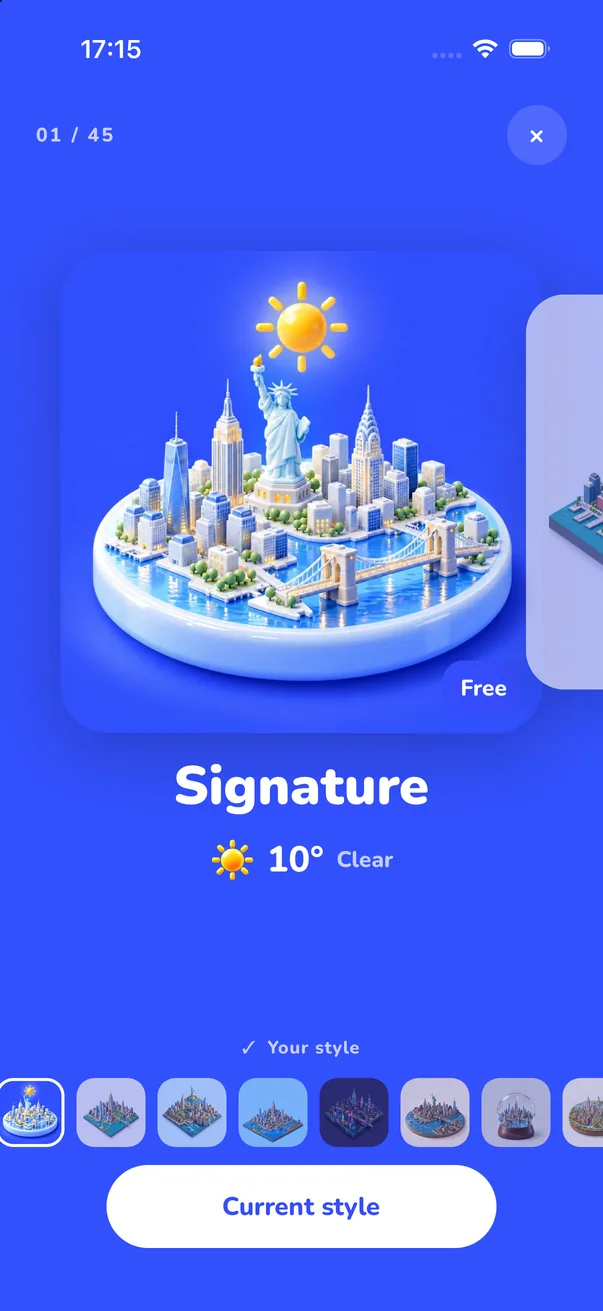
Neon, Pixel, Clay, Crochet, Watercolor, Ukiyo-e and more. Each style brings its own fonts, colors, weather icons and widgets, so switching style changes the whole app.
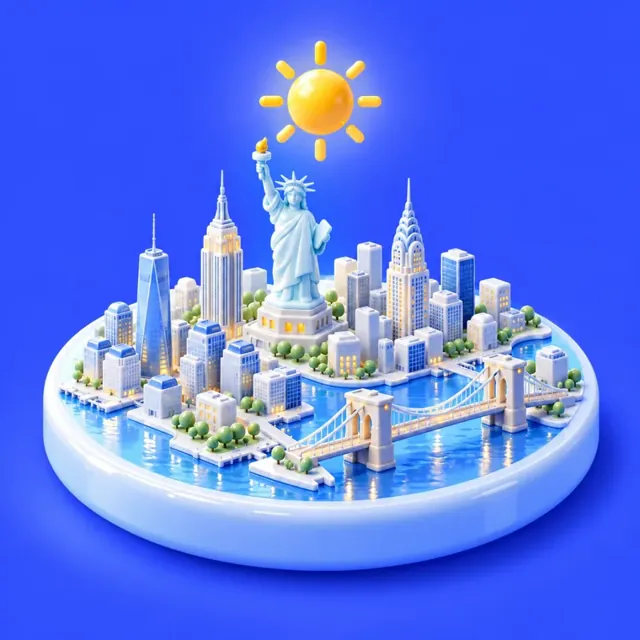
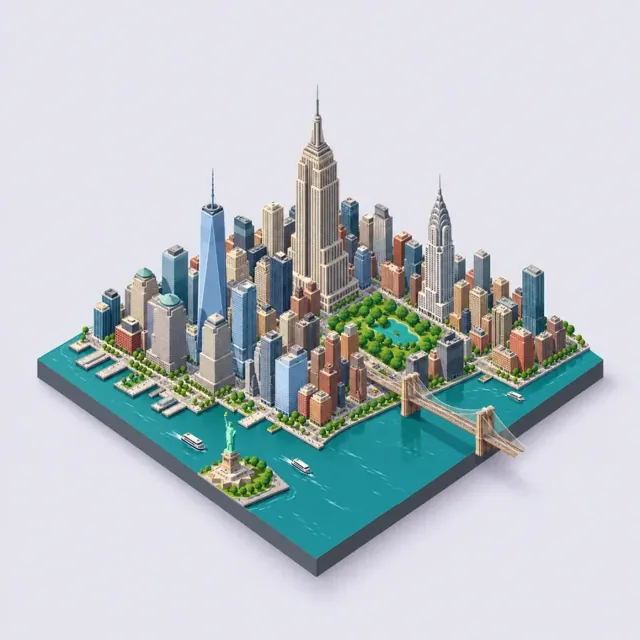
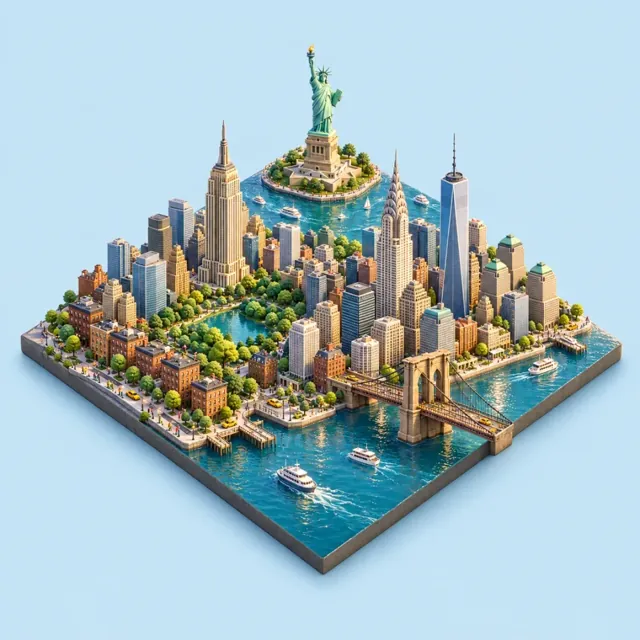
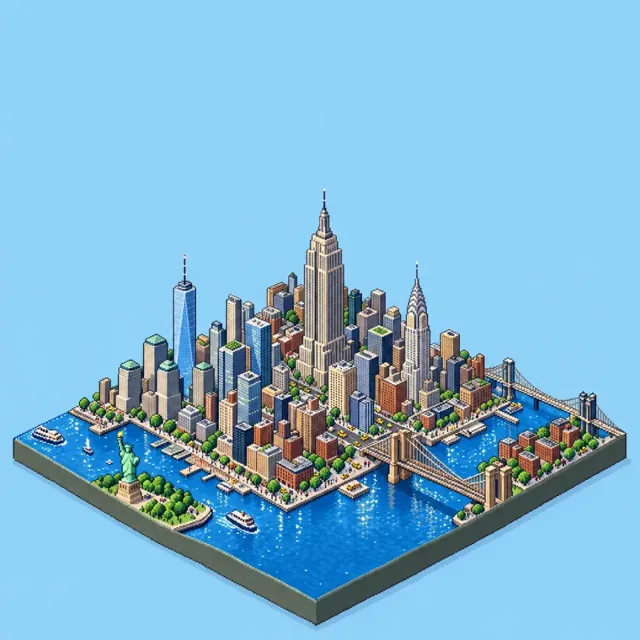
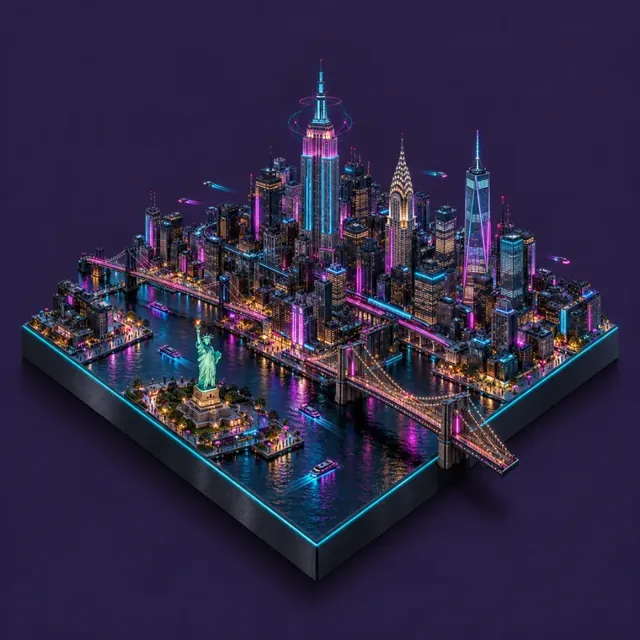
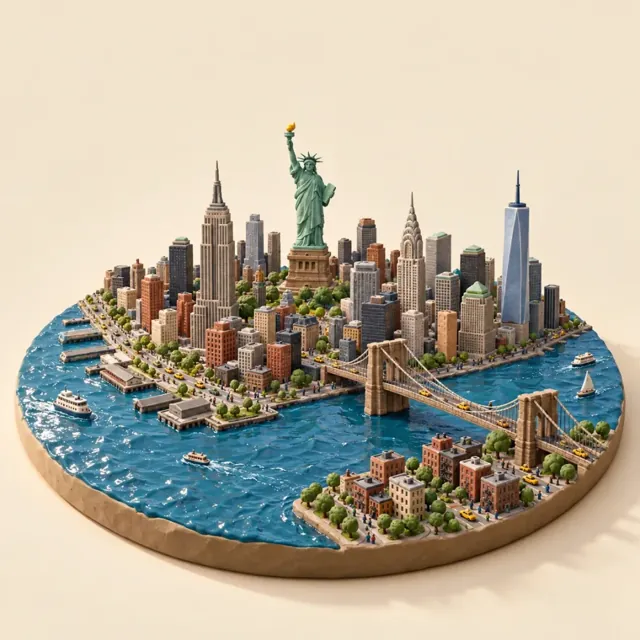
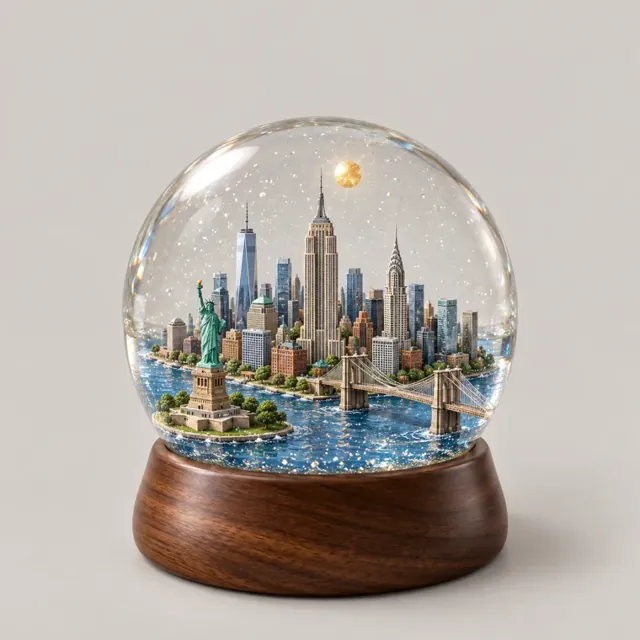
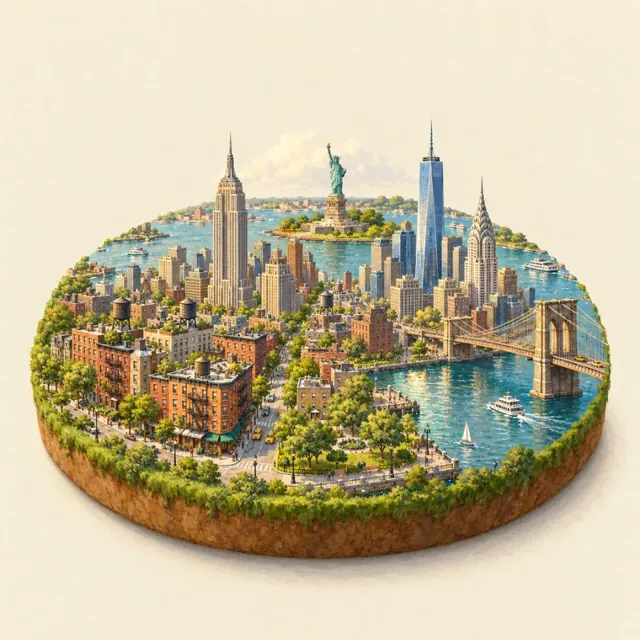
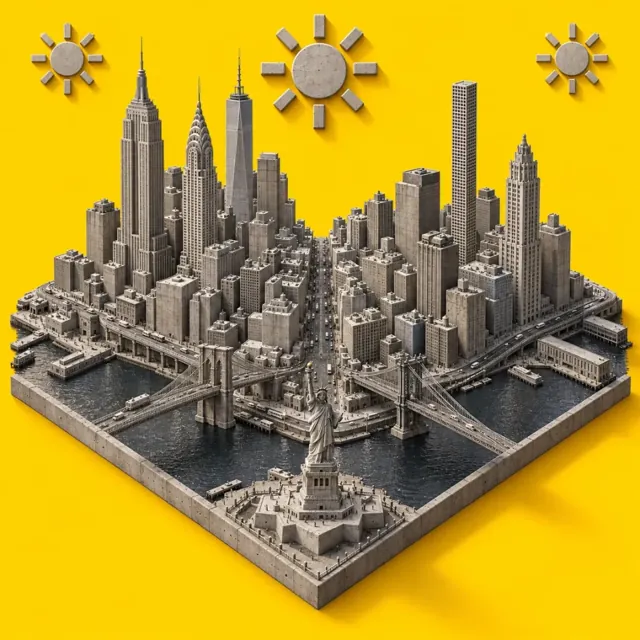
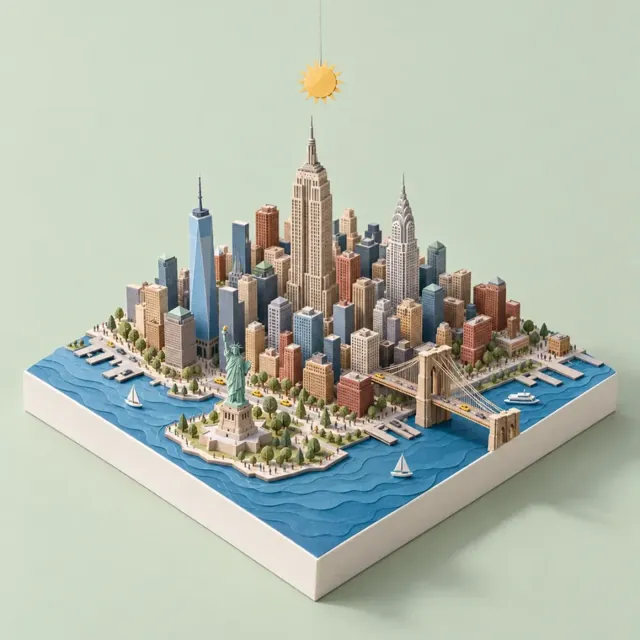
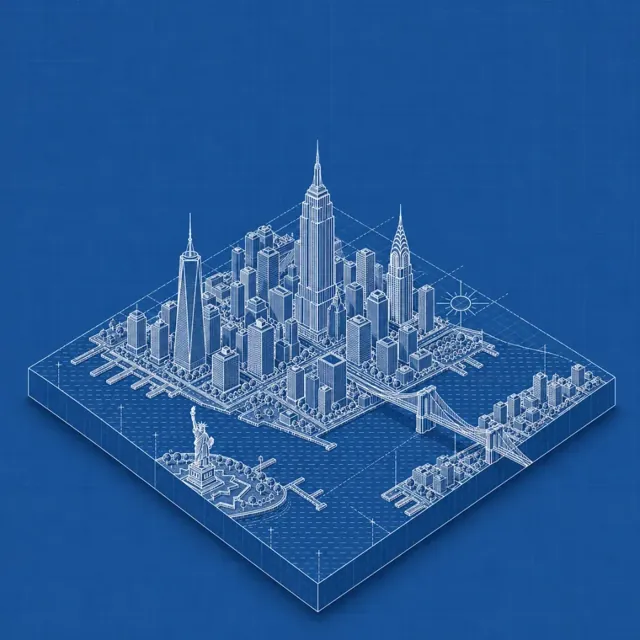
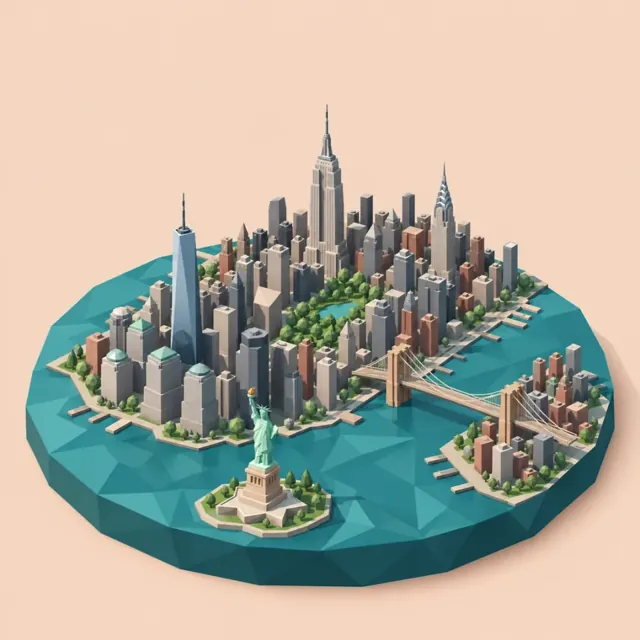
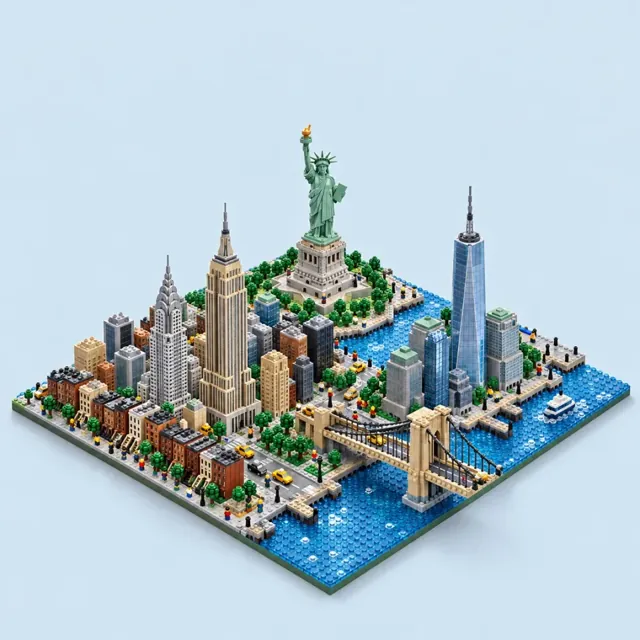
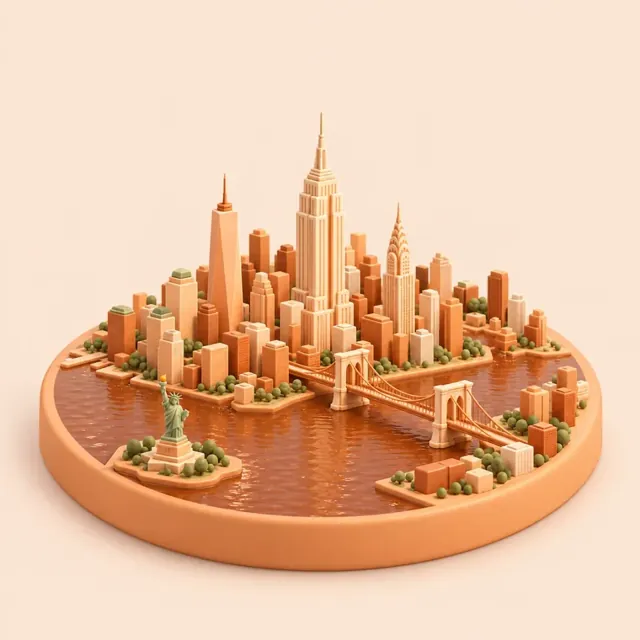
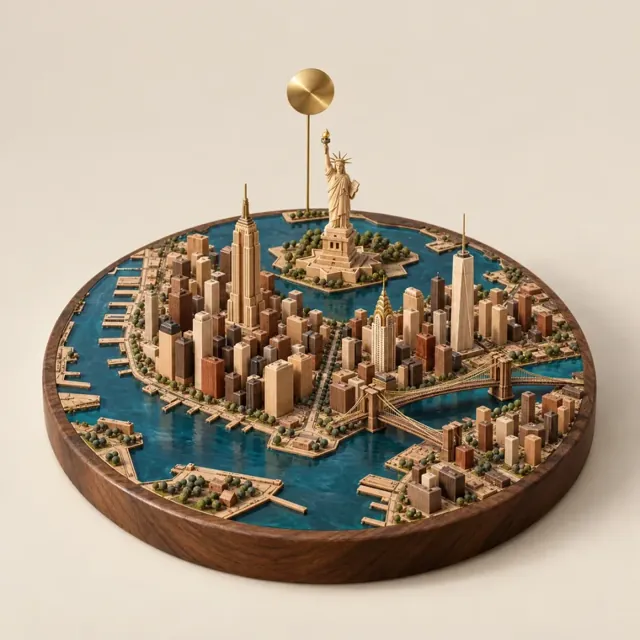
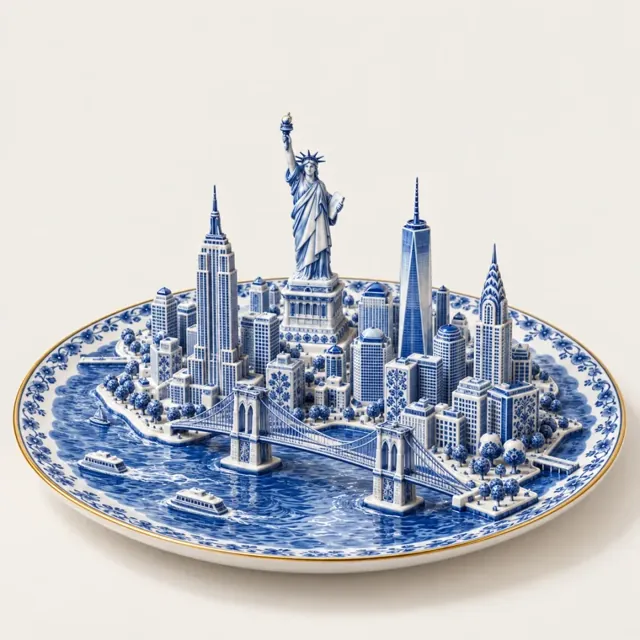
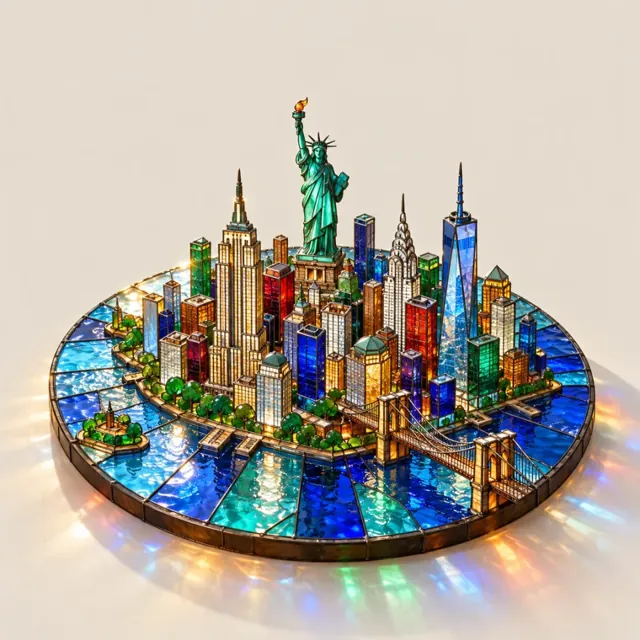
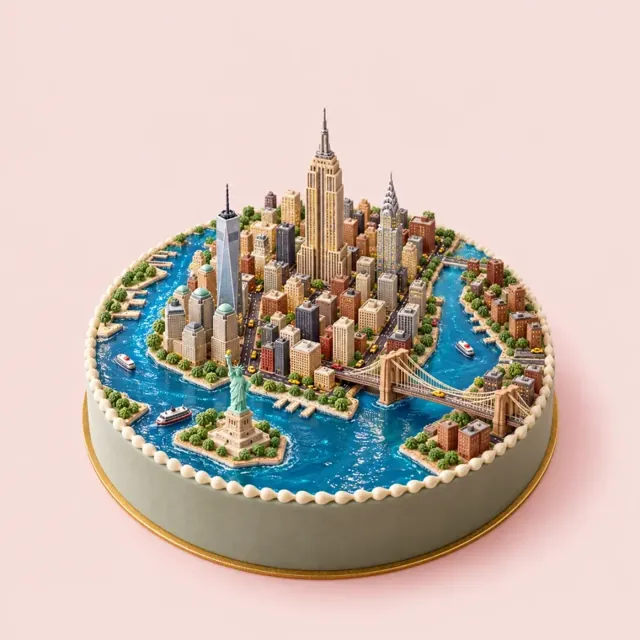
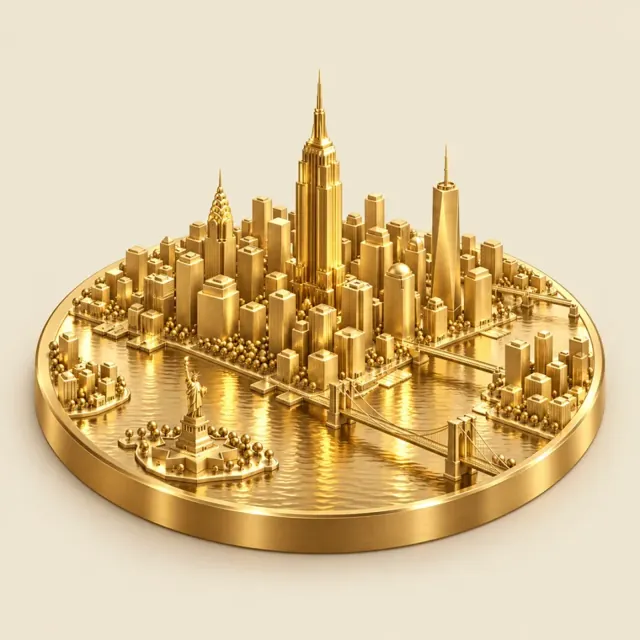
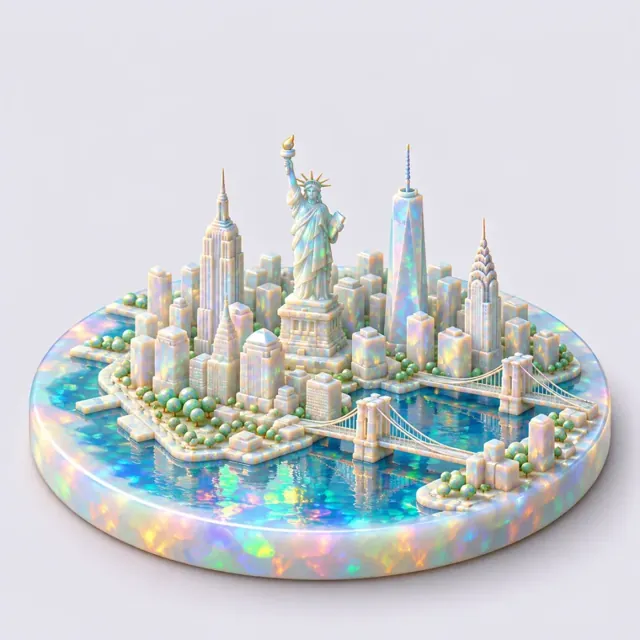
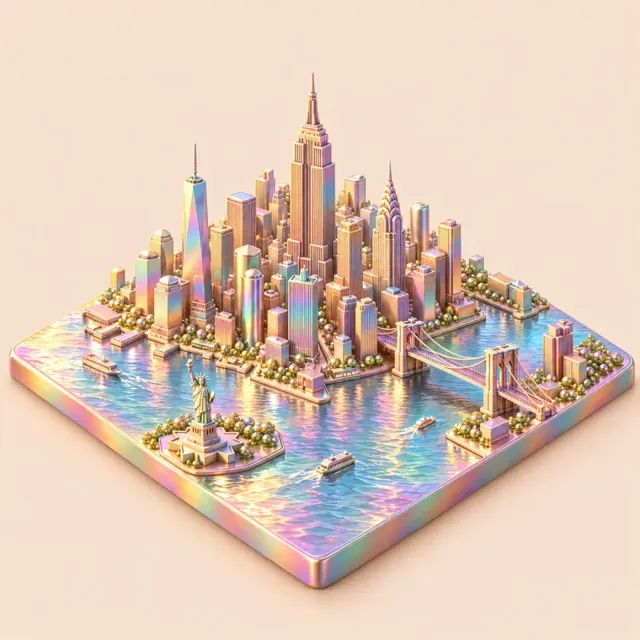
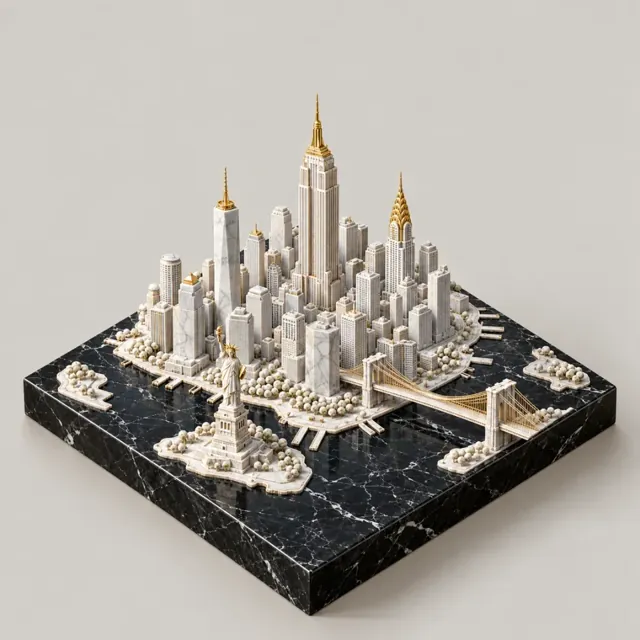
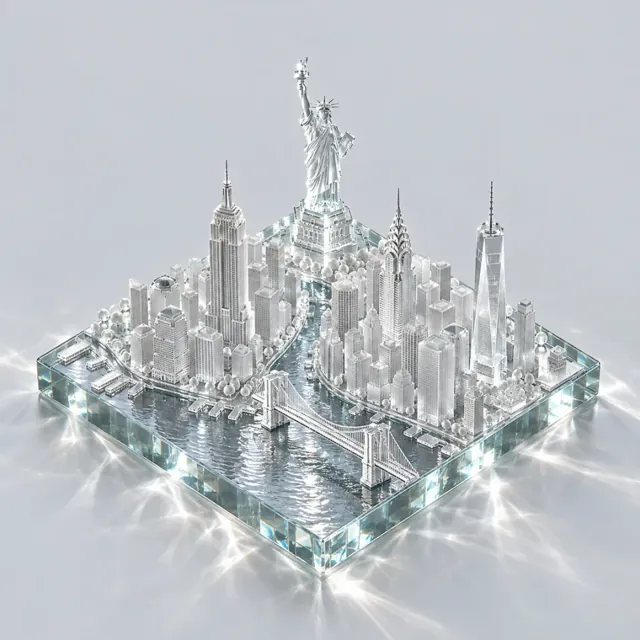
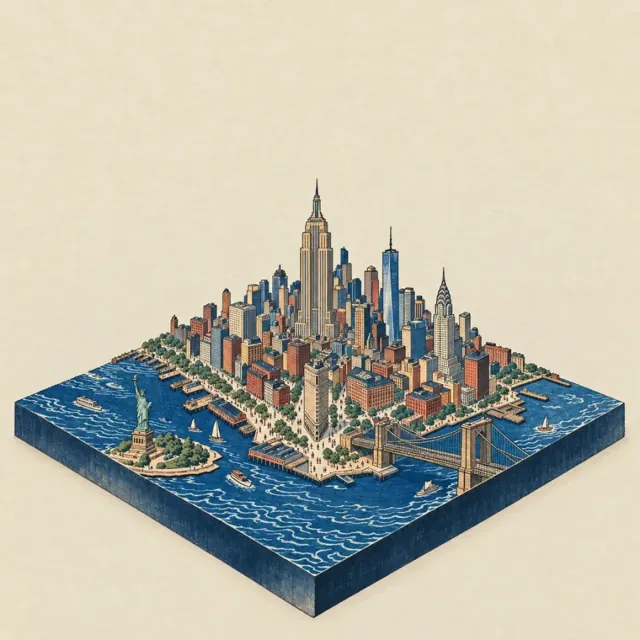
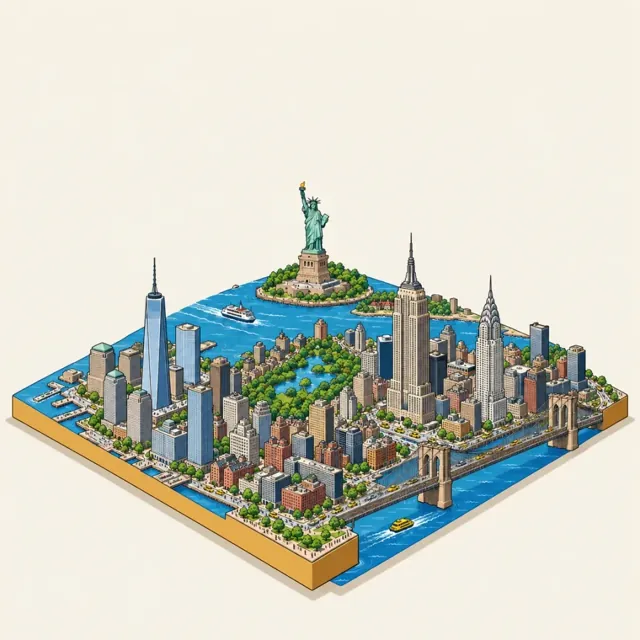
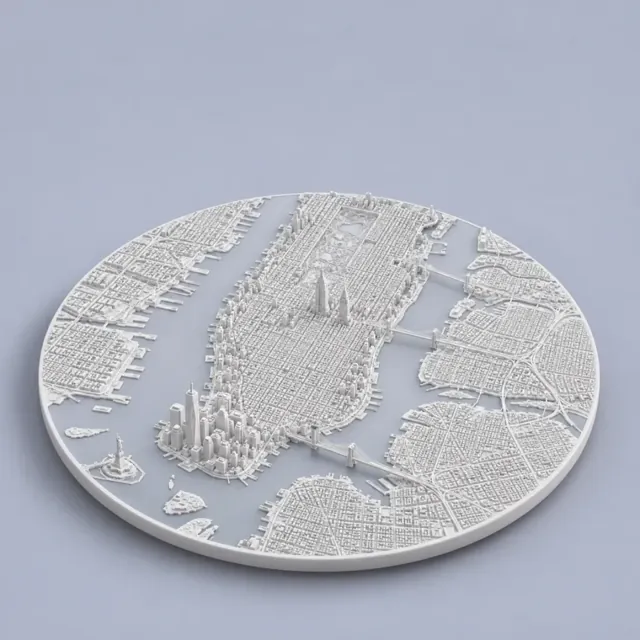
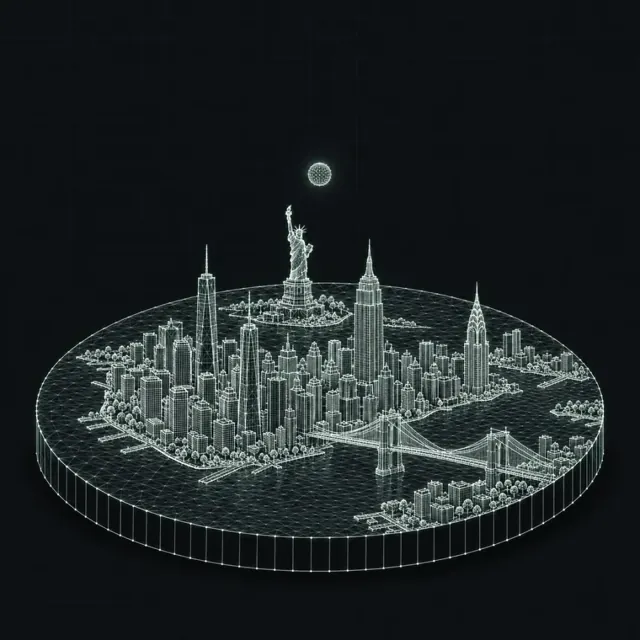
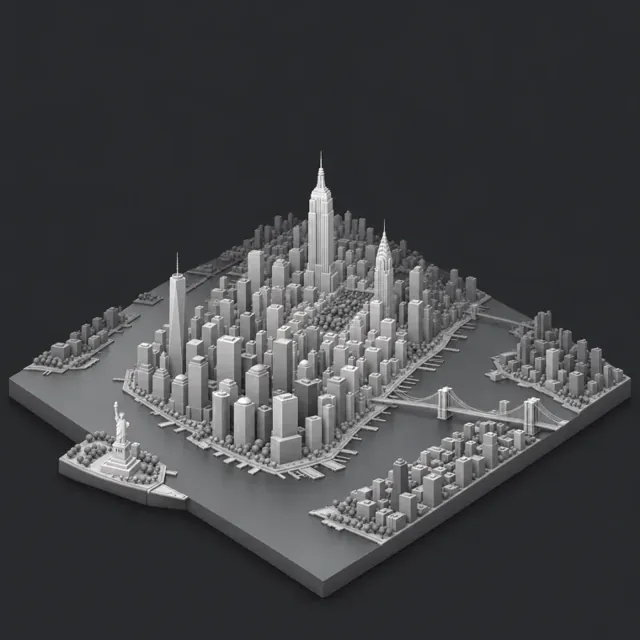
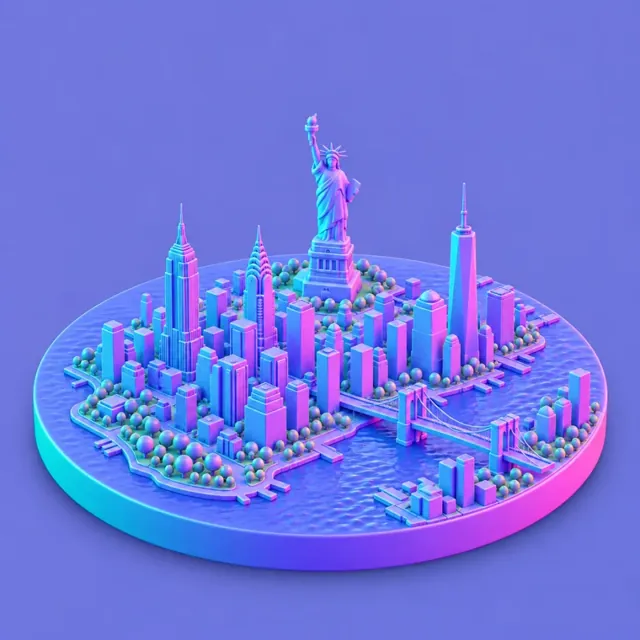
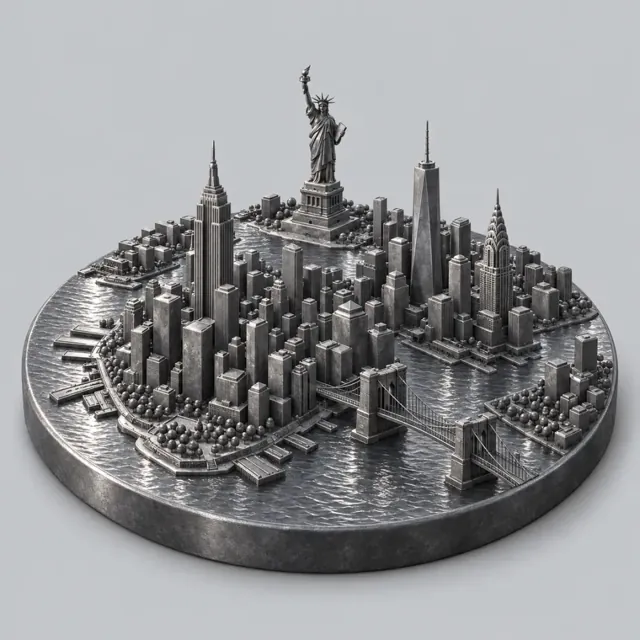
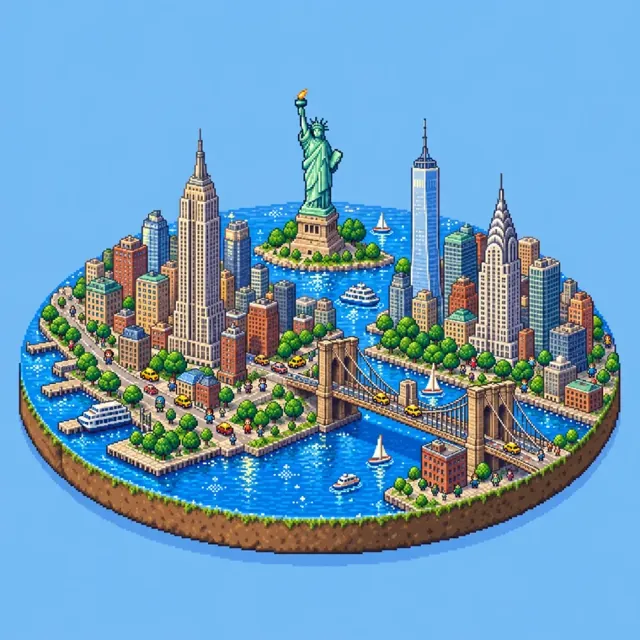
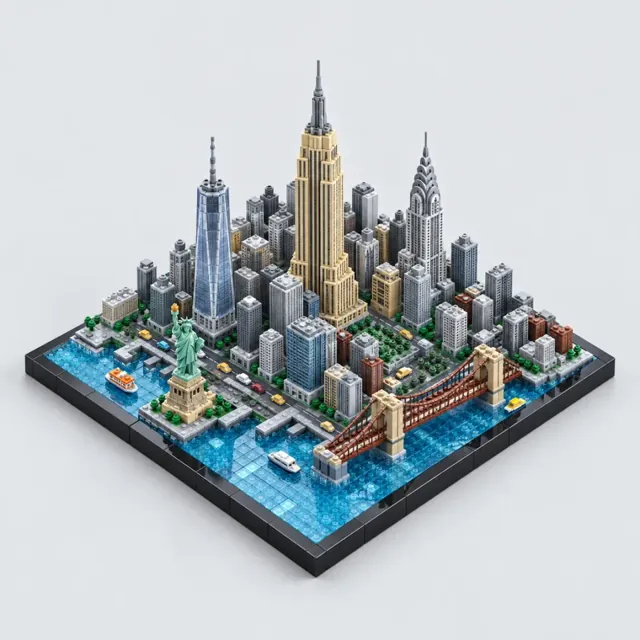
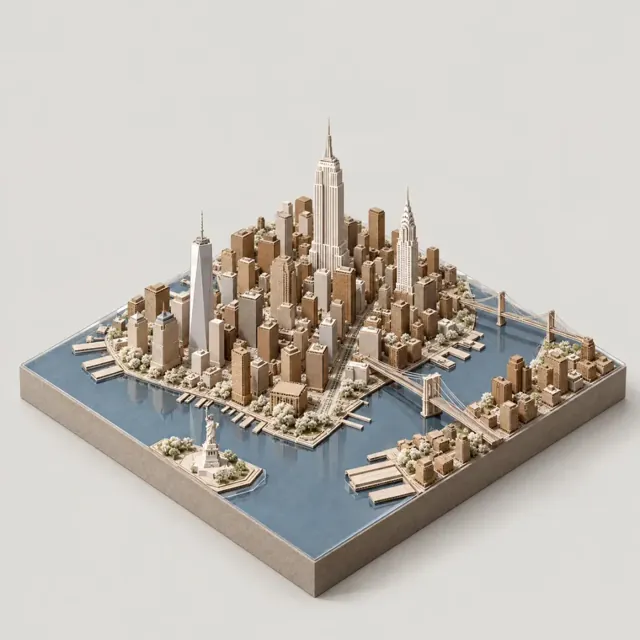
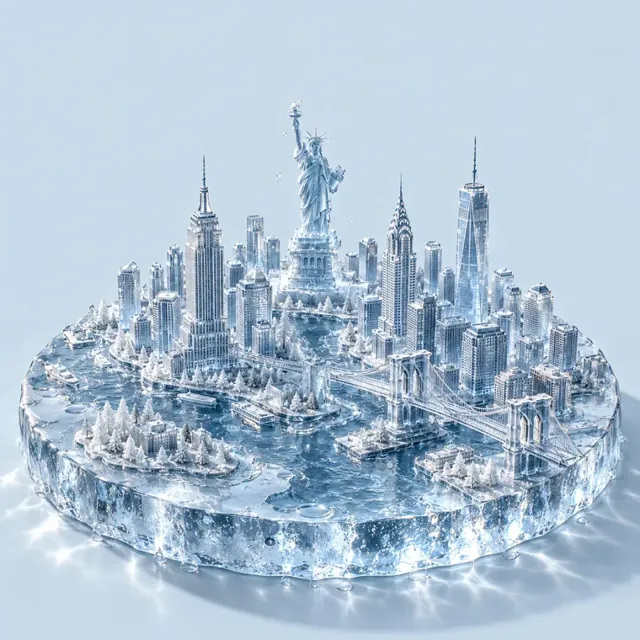
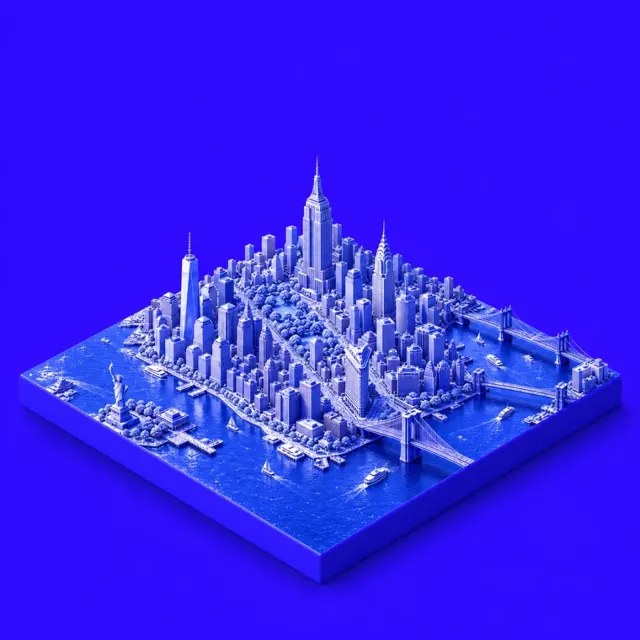
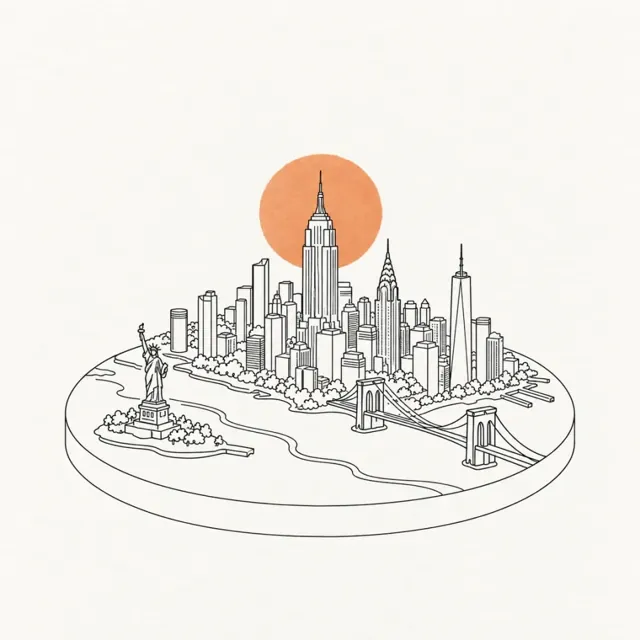
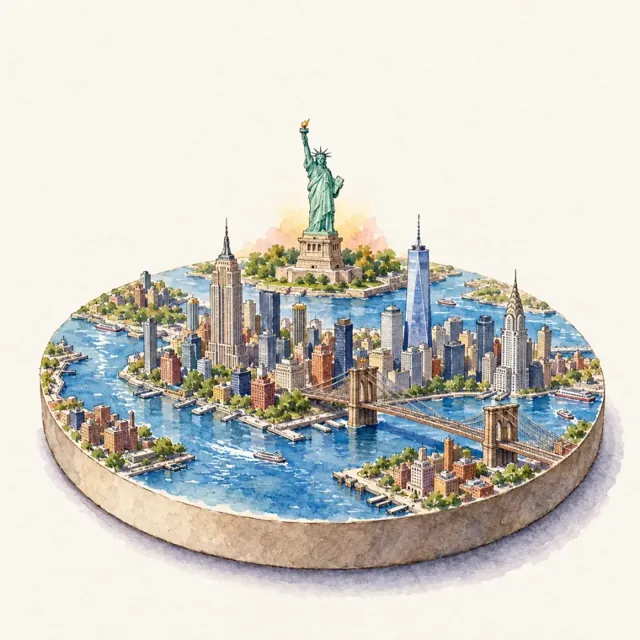
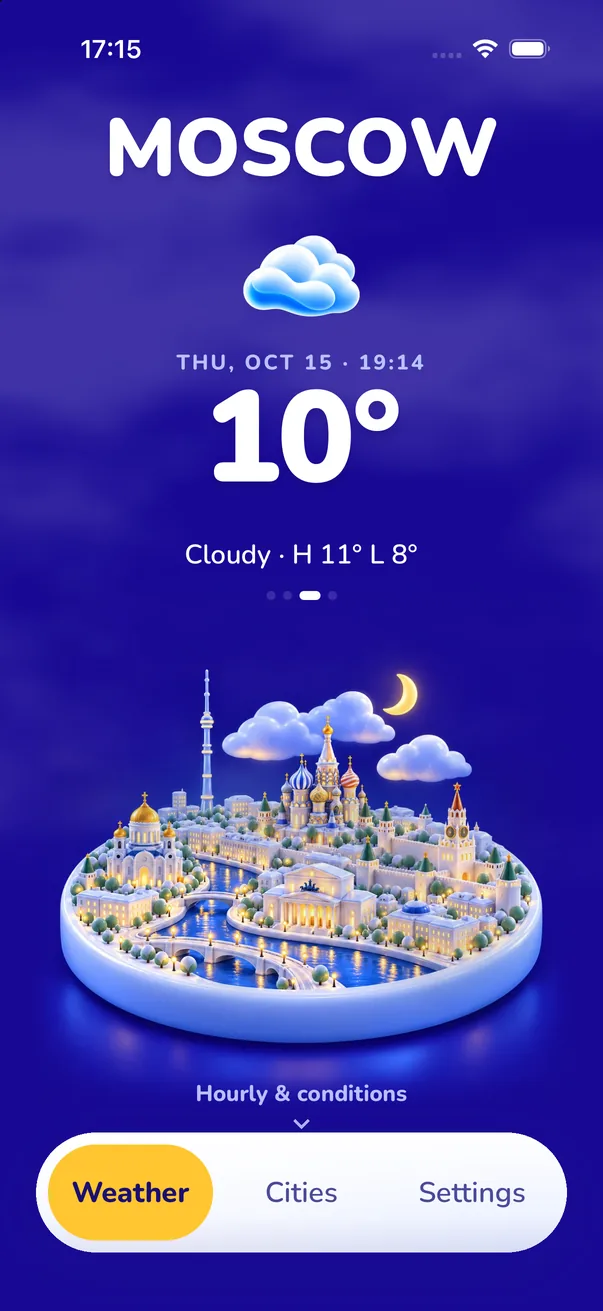
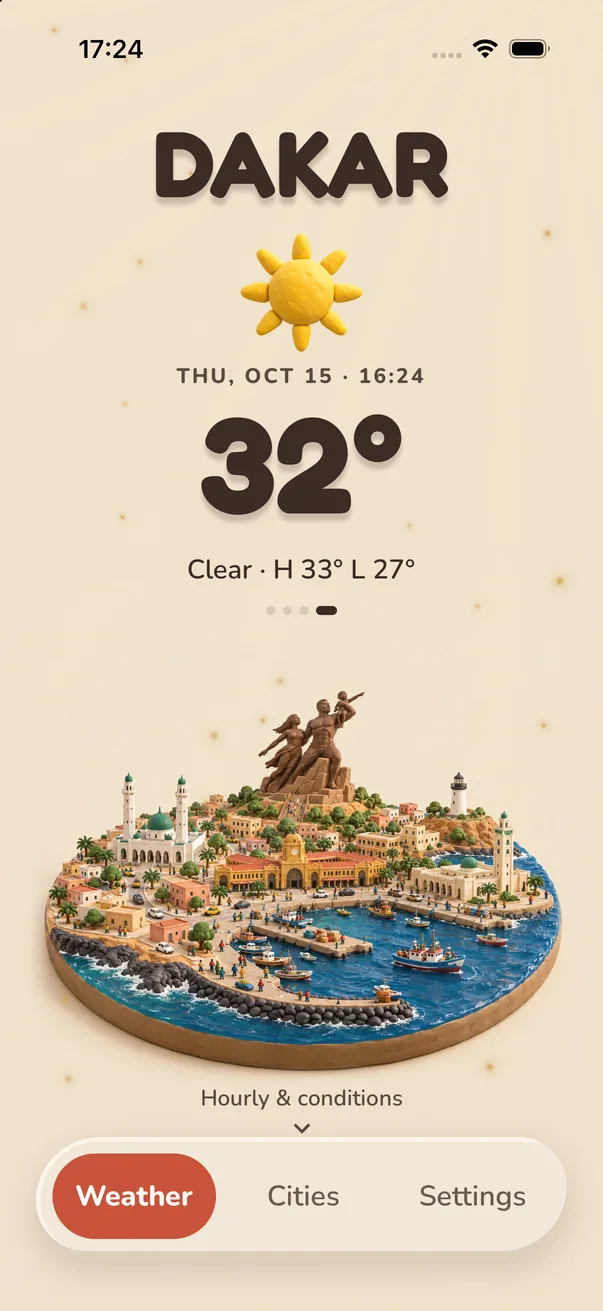
Allow location or search any city in the world. Save the places you care about and swipe between them.
Browse 45 styles in the gallery, from Signature to Stained Glass. The type, icons and widgets follow your choice.
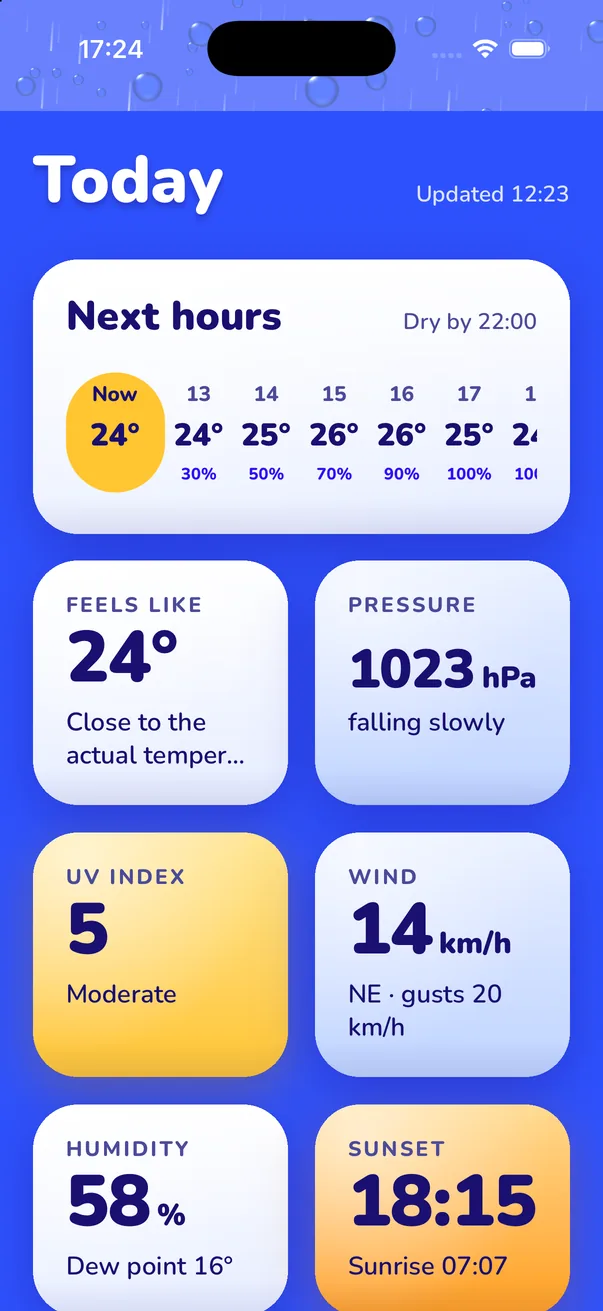
Your miniature follows the real sky, hour by hour. Swipe up for the hourly forecast, the week ahead and every detail.
Small, medium and large scene widgets, plus circular, rectangular and inline Lock Screen widgets. They follow your style.
4 free. New styles keep arriving.
Official warnings for your saved cities. Severe ones get a Live Activity on the Lock Screen and Dynamic Island.
Feels-like, UV index, wind and gusts, humidity, dew point, pressure, sunrise and sunset, air quality and pollen.
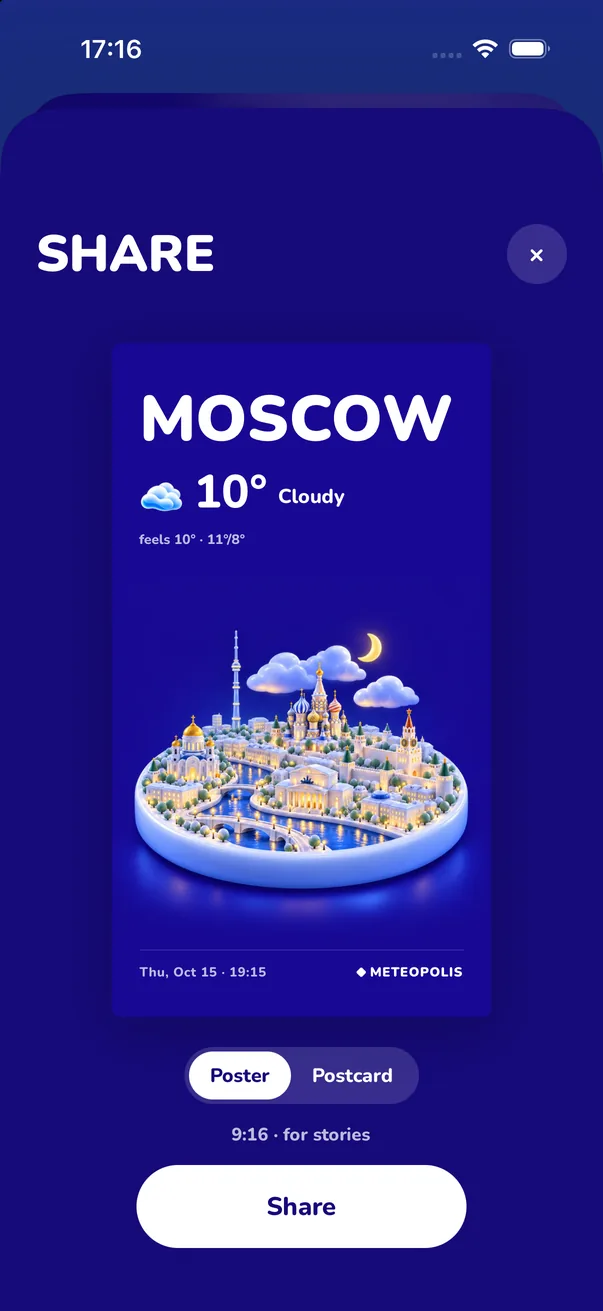
Turn today into a story-sized poster or a postcard. Save it or send it in one tap.
Rain, snow, fog and lightning are drawn live over your city, with optional ambient weather sounds and gentle haptics. Reduce Motion is respected.
English, Français, Español, Português, 日本語, 한국어, 简体中文, العربية, Deutsch, Italiano, Русский. Celsius or Fahrenheit.
What makes a weather app beautiful, and how to set one up that matches your home screen.
Add a weather widget that matches your home screen, in small, medium or large.
Circular, rectangular or inline: add the weather to your Lock Screen and fix a stuck one.
Your own city as a 3D miniature that changes with the real sky.
Cartoon, Clay, Crochet, Felt, Critters: the coziest ways to see the forecast.
Tiny isometric cities with real landmarks, painted for anywhere in the world.
Meteopolis is an aesthetic weather app for iPhone and iPad that shows your city as a living 3D miniature under its real weather, drawn in one of 45 art styles. It combines an Apple WeatherKit forecast, home and Lock Screen widgets and severe-weather alerts with a scene of your own city that changes with the sky.
Updated
Everything people ask before they download. Each answer links to a full guide.
Meteopolis is built for people who want their weather app to look as good as their home screen. It shows your city as a 3D miniature under its real weather, in 45 art styles, and the whole interface changes with the style you pick.
Learn more about aesthetic weather apps →Install Meteopolis and open it once. Touch and hold your Home Screen, tap Edit → Add Widget, search for Meteopolis, choose small, medium or large and tap Add Widget. It shows your city's scene in your current style.
Learn more about aesthetic weather widgets →Yes. Touch and hold the Lock Screen, tap Customize → Lock Screen, tap the widget area and add a Meteopolis widget: circular, rectangular or inline.
Learn more about Lock Screen weather widgets →Yes. Every city is drawn as a 3D isometric diorama that changes with the real weather (clear, cloudy, fog, rain, storm, snow) by day and night, with weather animated over it.
Learn more about 3D weather apps →Free to download with four styles (Signature, Flat, Cartoon and Pixel), the full forecast and widgets. Meteopolis+ unlocks every paid style, or buy a single style once and keep it.
Learn more about free and paid styles →Yes. Official alerts for your saved cities and current location, delivered through Apple WeatherKit. Severe and extreme alerts arrive as time-sensitive notifications with a Live Activity.
Learn more about severe weather alerts on iPhone →During severe and extreme alerts, a Live Activity keeps the warning on your Lock Screen and in the Dynamic Island on supported iPhones.
Learn more about Dynamic Island weather →Yes. Pixel (isometric pixel art) is one of the four free styles, and 16-Bit is a paid style. Both come with a pixel font and pixel weather icons.
Learn more about the pixel art weather app →Rain, snow, fog and lightning are animated on your device over the city scene, with optional ambient weather sounds.
Learn more about animated weather →Yes. Open Share, pick Poster (9:16), save it to Photos and set it as your wallpaper. For a version that updates by itself, add the large widget.
Learn more about weather wallpapers →Scroll down on your city, tap Share this city, choose Poster, then tap Share and pick Instagram, or save it and add it to your Story.
Learn more about sharing weather to Instagram →CARROT is built around a talking personality and (Not Boring) Weather around a game-like 3D interface. Meteopolis is built around your city: a miniature of where you live, in the art style you choose.
Learn more about the alternatives →Yes. Search any city in the world and save as many as you like. A city that hasn't been painted in your style yet takes a moment the first time, then loads instantly.
Learn more about isometric city scenes →Not yet. Meteopolis is on iPhone and iPad today, and an Android version is coming. The forecast, styles and widgets are being brought over.
Learn more about getting Meteopolis →Meteopolis has soft, cozy styles like Cartoon, Clay, Critters, Felt, Crochet, Pastry and Snow Globe, each with rounded type and matching icons.
Learn more about the cute weather app →